








Bald Head Filter: Hairline, Crown or Fully Bald? - AI Generator

If you want a balding effect, distinguish a receding hairline, a thinning crown and a fully bald head. This tool previews the fully bald option; it does not generate a selected Norwood stage or diagnose hair loss.

Preview the fully bald option

The default removes head hair; it is not a crown-thinning or hairline-stage selector.

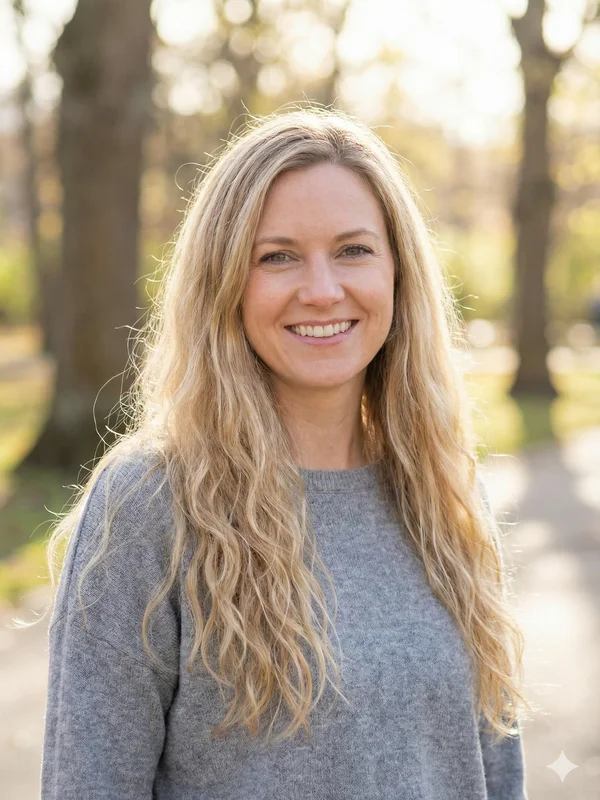
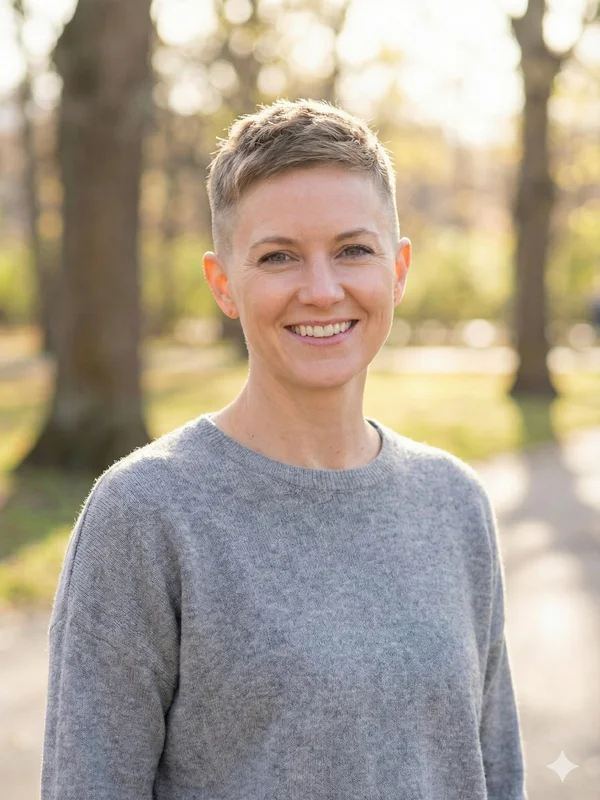
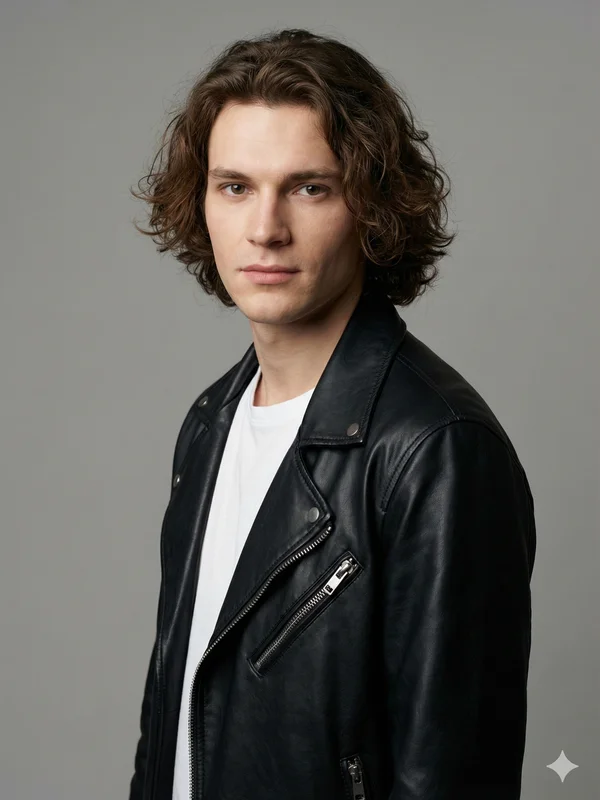
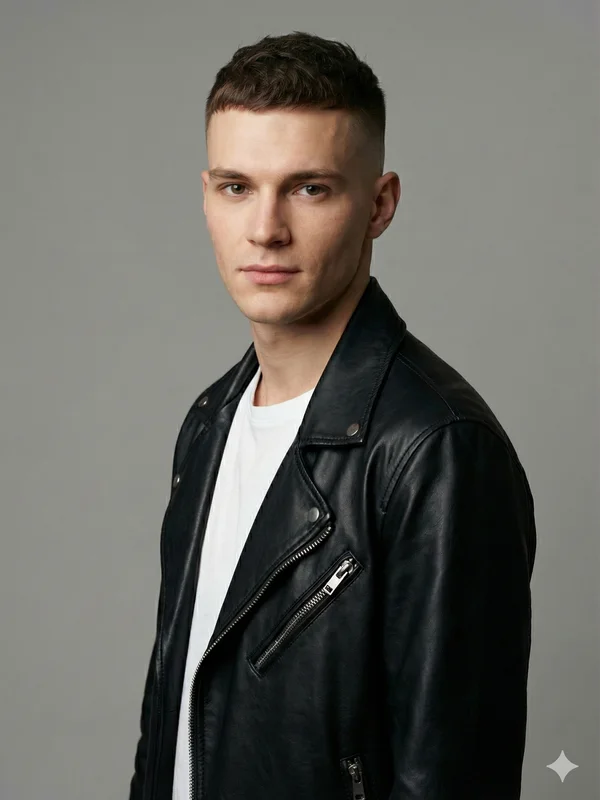
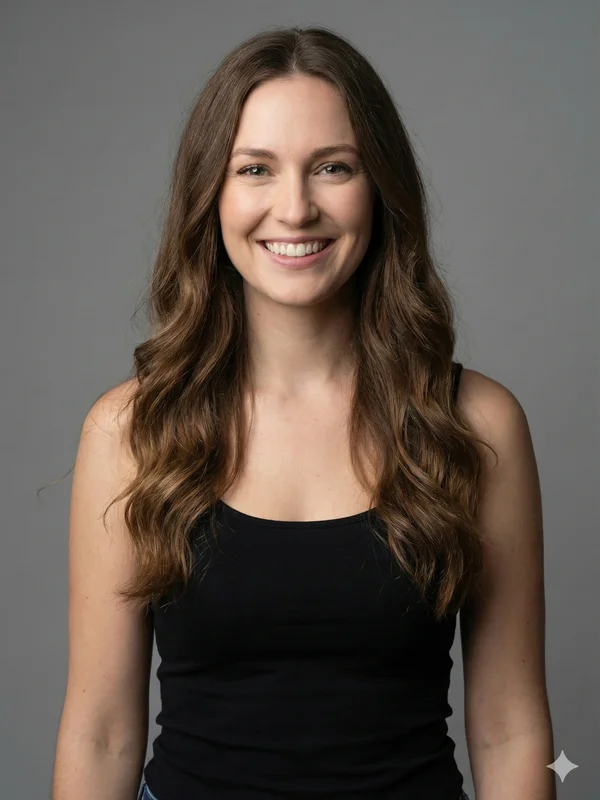
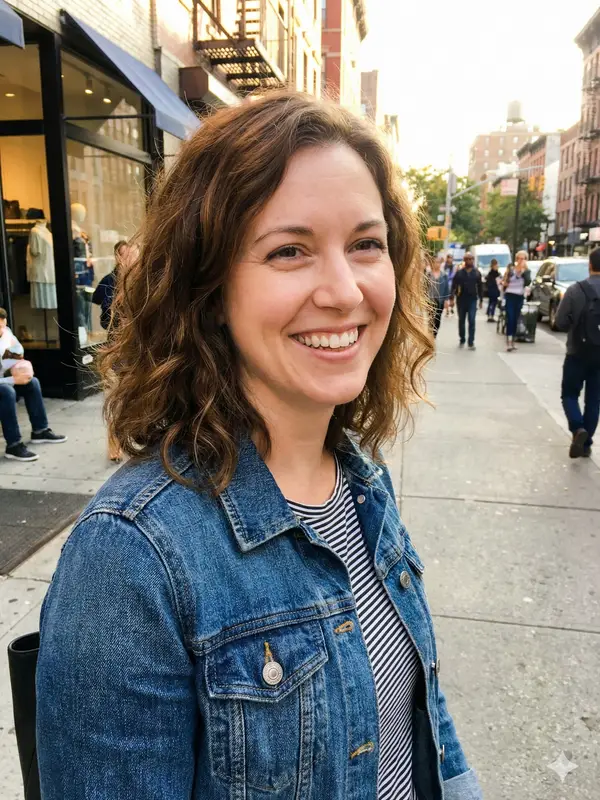
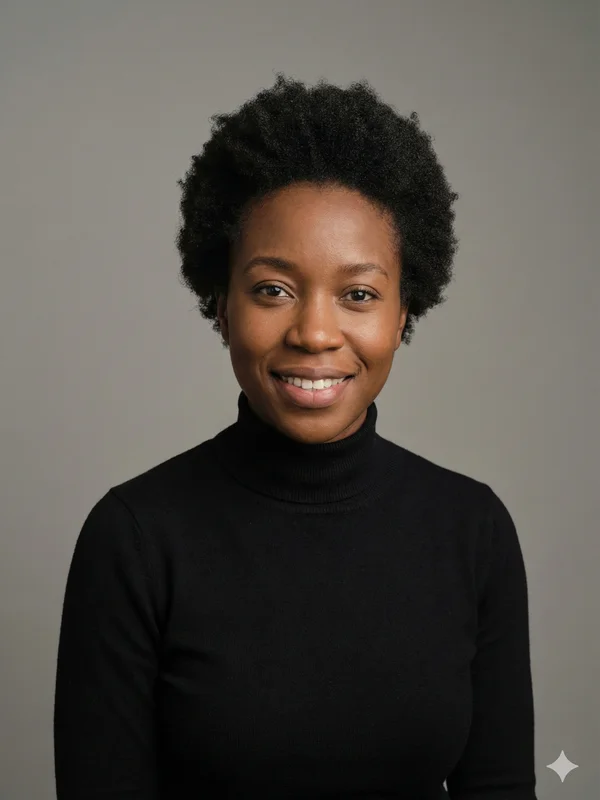
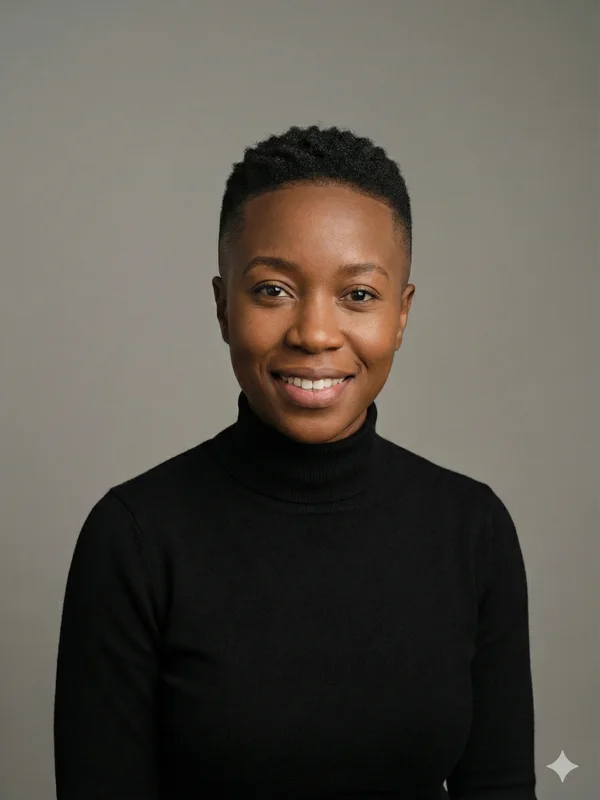
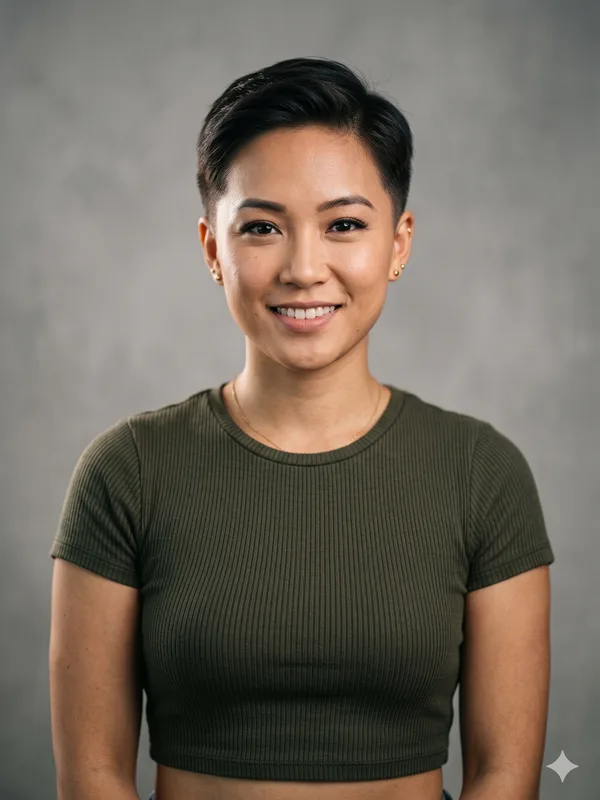
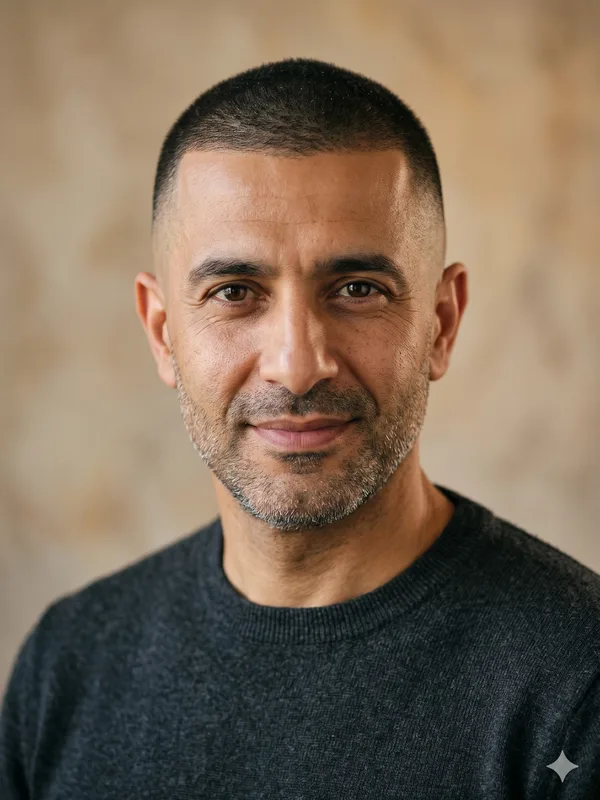
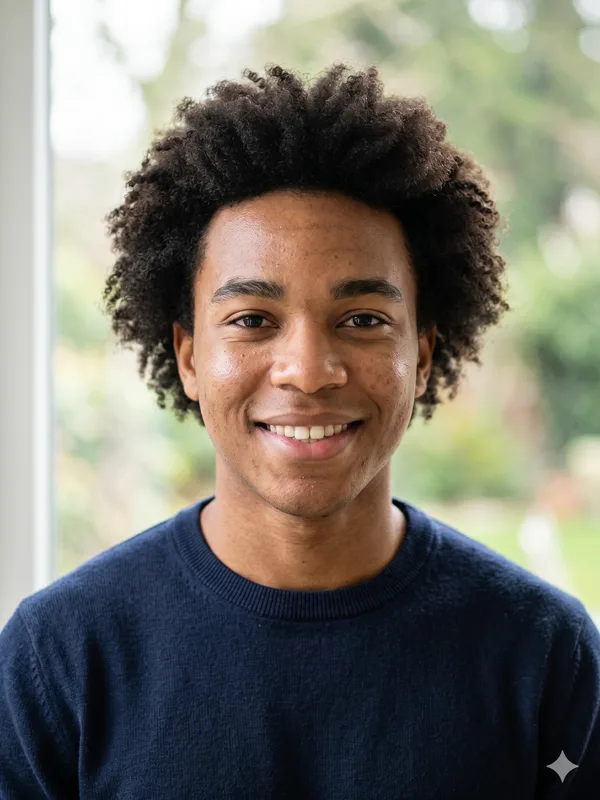
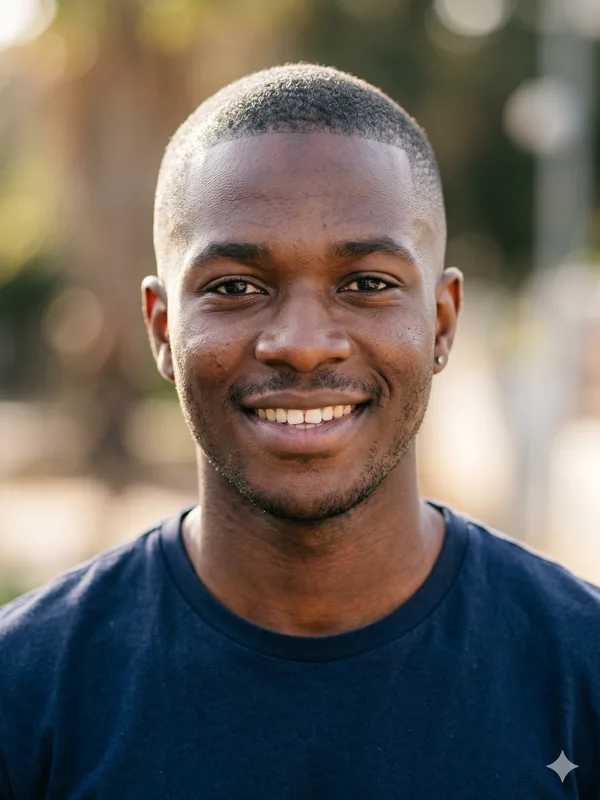
Example photo before hairstyle preview
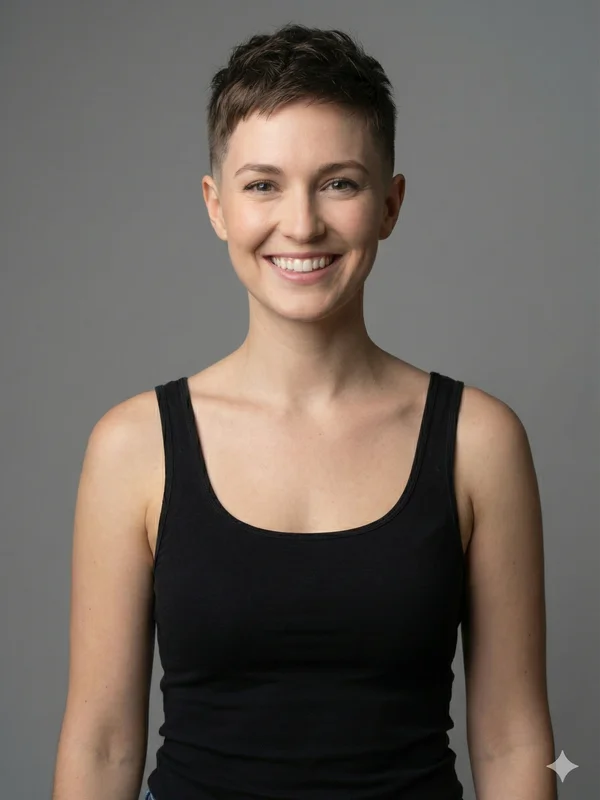
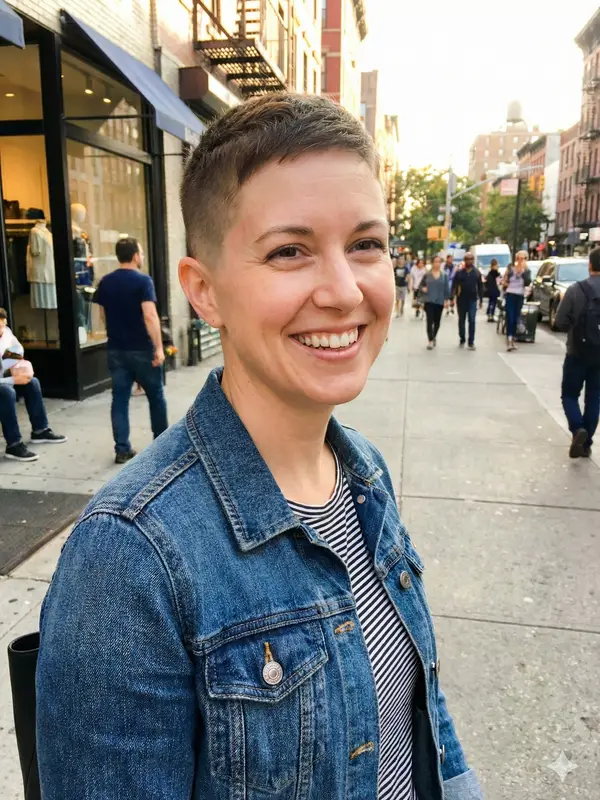
AI hairstyle preview
BEFOREAI PREVIEW

AI-GENERATED EXAMPLE

‹ ›

Choose gender

Select Style
Completely Bald
SELECTED STYLE
Completely Bald
A clean-shaven look with no visible head hair. The scalp and natural head outline become the focus.

Upload a portrait. BaldFade sends it to a third-party AI image-editing model with instructions to change the hair area while preserving the face, expression, lighting and background. BaldFade does not train its own image model.

The output is an AI preview. The model may change details outside the hair area or invent the scalp shape hidden by hair. It cannot guarantee how a real haircut or hair loss will look; processing time varies.

Generation time (BaldFade's own records): across 40 generations on the current model logged 2026-09-09 to 2026-09-29, the median was about 31 seconds and the middle half took 19–49 seconds (from starting generation to the finished image, excluding upload and payment; only generations with a recorded time on the nano-banana-2 model, quartiles by the exclusive method; data as of 2026-11-08).

$4.99 per image · see details

Upload a photo and choose a hairstyle. After review, pay, generate and download. $4.99 per image; photos that do not pass input review are not charged. The full refund rules are in the FAQ and the terms at the bottom of this page.

View pricing

Three different meanings of a balding effect

Three different meanings of a balding effect
PatternArea being describedLimit of this editor
Receding hairlineThe front boundary and temple cornersThere is no slider for how far the hairline moves back.
Thinning crownThe upper-back scalp, which a front portrait may not showThe default bald style does not isolate a thinning patch.
Fully bald appearanceA bald outline over the entire headCompletely Bald requests this appearance, regardless of the cause of real hair loss.

What the Norwood scale describes

Norwood is a way of describing patterns of male-pattern hair loss using stages I–VII. At a broad level, it distinguishes changes at the front and temples, crown involvement and more extensive loss with hair remaining around the sides and back. The numbers are pattern labels, not a forecast of when someone will lose hair.

A smooth scalp in a generated image is not a Norwood measurement. The separate browser self-check estimates from visible photo features and has limits, particularly when the crown is not visible. Neither tool establishes a diagnosis or a treatment regimen.

Keep appearance edits separate from change tracking

  • Keep unedited photos if your aim is to compare the hairline over time. AI may redraw the very boundary you are trying to observe.
  • Do not infer crown density from a front-facing bald preview: the model may invent a scalp that the camera never saw.
  • Use a generated image to discuss a hairstyle preference. For questions about the cause of hair changes, seek an individual assessment rather than a filter result.

If the goal is a haircut instead

Choose the shaved-head guide for a deliberate smooth-shave appearance, or explore short-hair styles if you want some visible hair. Selecting a style changes the visual prompt; it does not measure or restore your actual hair density.

AI bald preview FAQ

Can I select just a bald spot at the crown?
No. The current default is Completely Bald and there is no crown-area or Norwood-stage control. Do not interpret a full-head edit as a prediction of a bald spot.
Is a fully bald preview the same as Norwood VII?
No. The default asks for no head hair, while the Norwood concept describes patterns of hair loss, including remaining hair. An edited image is not a stage assessment.
What happens if generation fails?
Photos that fail review are not charged. A failed paid generation is retried once, then a refund request is submitted automatically to the original payment method; a failed credit image returns the credit automatically. Full rules are in the terms at the bottom of this page.

Single image $4.99, no account needed. Buy 3 credits for $9.99, 5 for $14.99, or 10 for $24.99. Credit users can create several styles at once. Tax may be added at checkout depending on your country. 1 credit = 1 image on any photo. Credits are valid 365 days from purchase; credits that expire soonest are used first. Prices as of 2026-11-08.

Generated images are licensed for personal use only.

Single-image payments: Photos that do not pass input review are not charged. After payment, failed generation is automatically retried once. If generation still fails, a refund request is submitted automatically and we process it within 5 business days; arrival time depends on your payment method. Refunds are returned to the original payment method. Output that does not pass review is not delivered; a refund request is submitted automatically and follows the same review and refund process. Credit purchases: Failed generation: the credit is returned automatically unless the original pack was refunded or revoked; check the result page for the actual return. A full refund is available within 14 days of purchase only if none of the pack's credits have been used. Credits returned after a failed image do not count as used. Once any credit from the pack has been used, its remaining credits are not refunded. Email support@baldfade.net for refunds.

For payment or refund questions, contact support@baldfade.net.

Photos and results are available for 30 days from when your photo is approved. Viewing and downloads stop at expiry; daily scheduled cleanup removes the files. Download your image and save your private page link.

Terms of ServicePrivacy Policy