Bald Photo Editor
AI-Powered Hair Removal
Our bald photo editor uses artificial intelligence to professionally remove hair from any photo. Get realistic bald edits in about a minute—no Photoshop skills required.
Edit Photo NowProfessional quality • Photos auto-deleted after 30 days
Bald Photo Editor
Upload your photo. AI removes hair and reconstructs the scalp in about a minute.
Upload your photo
A clear front-facing photo works best · JPG / PNG / WebP · up to 10MB
EXAMPLE
RESULTS
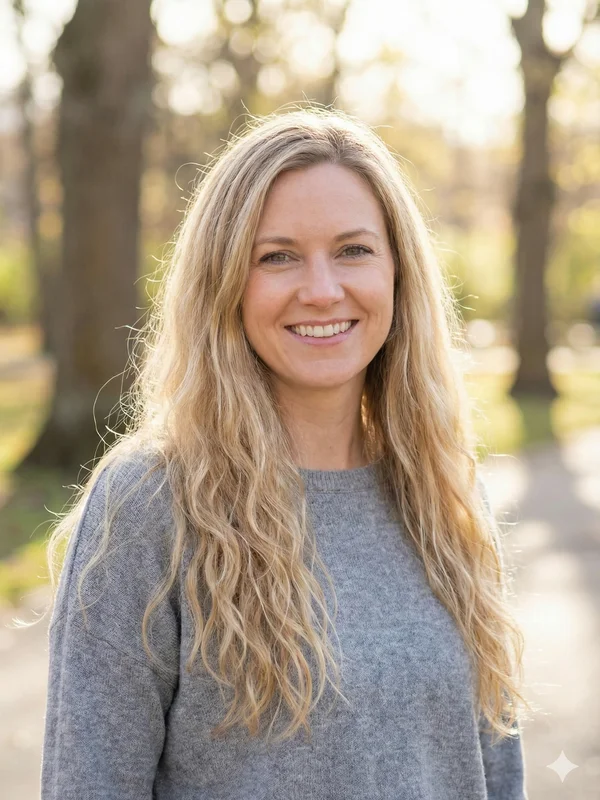
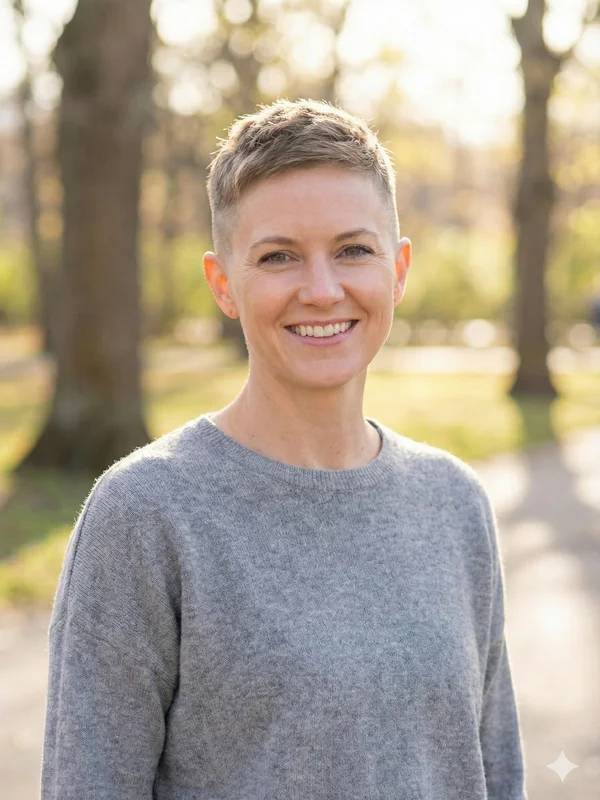
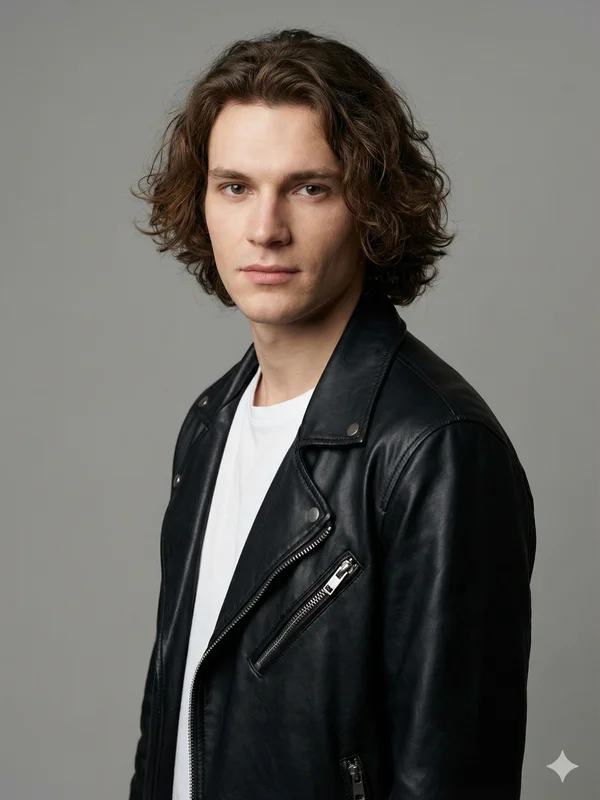
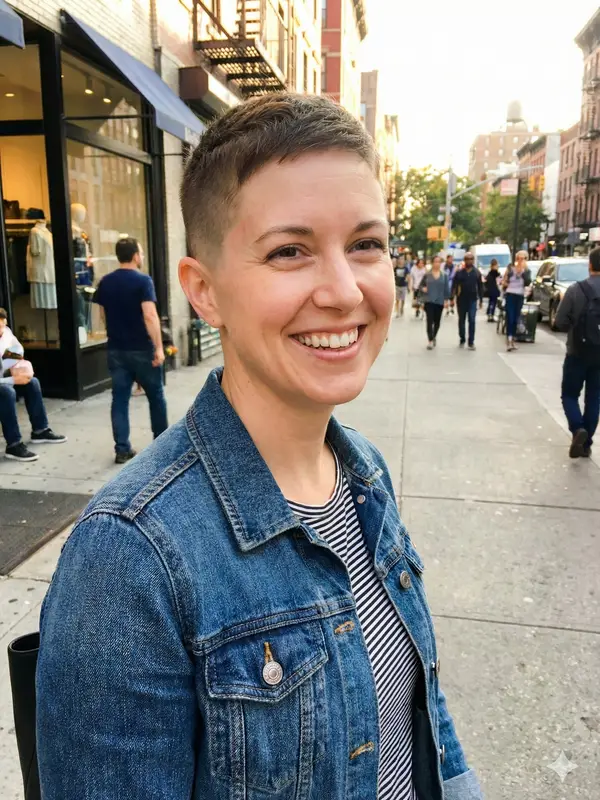
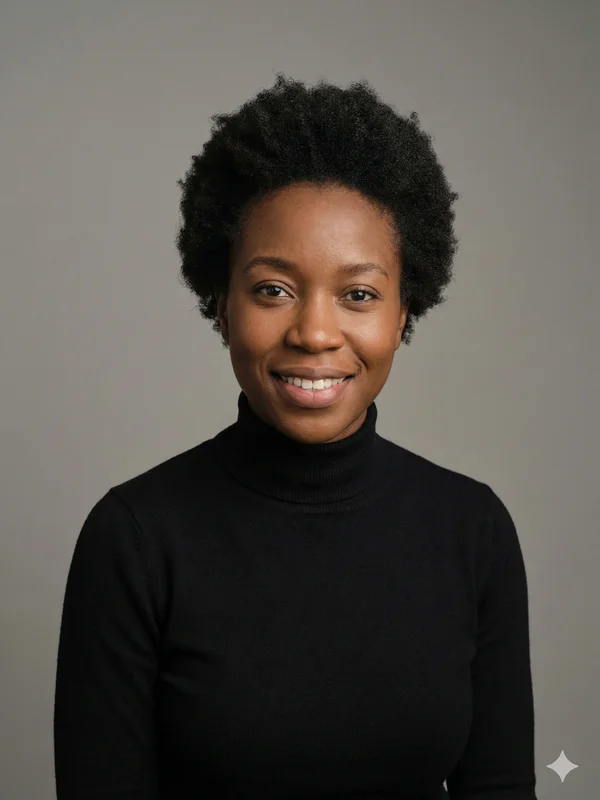
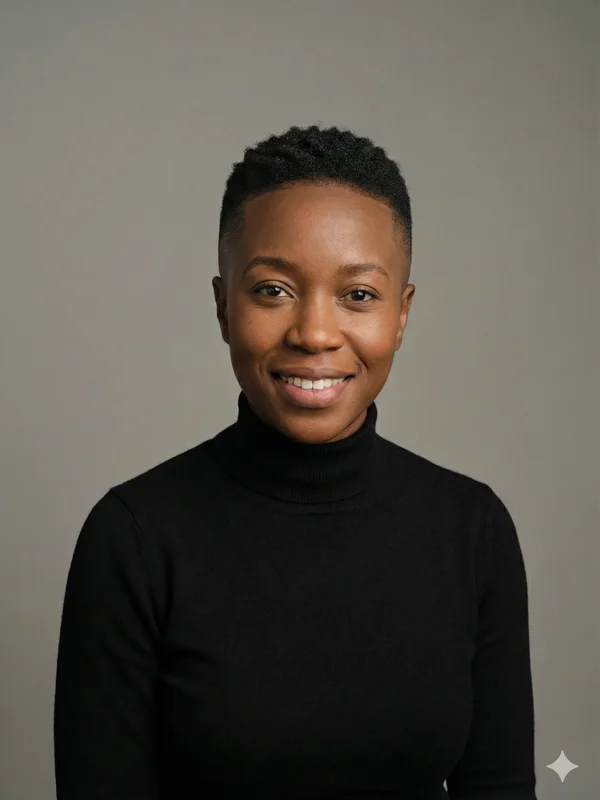
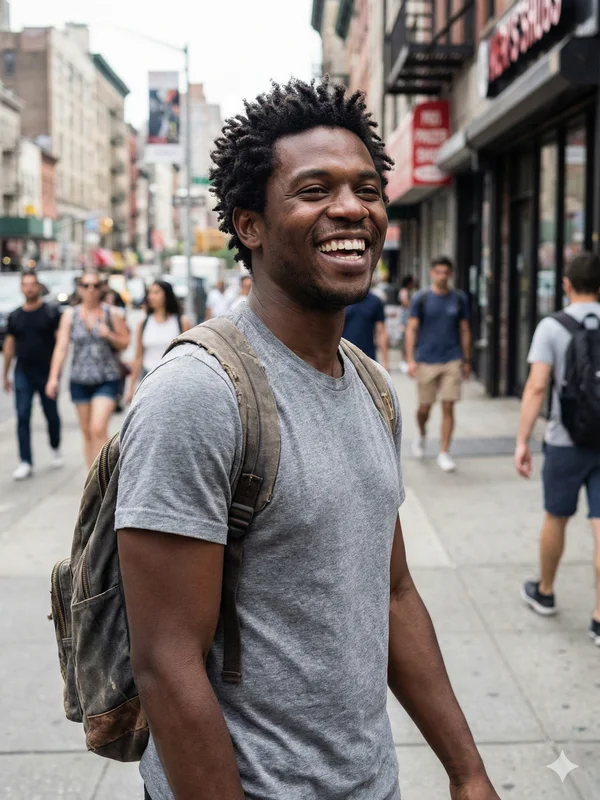
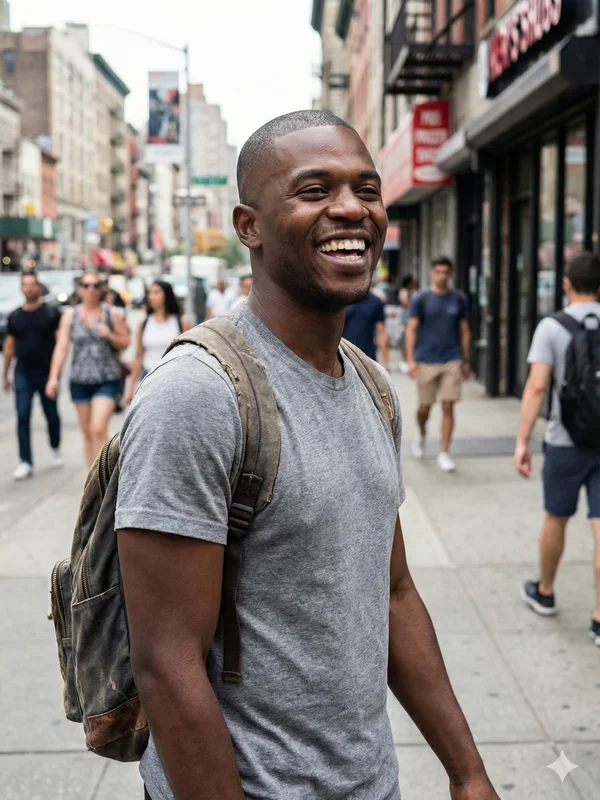
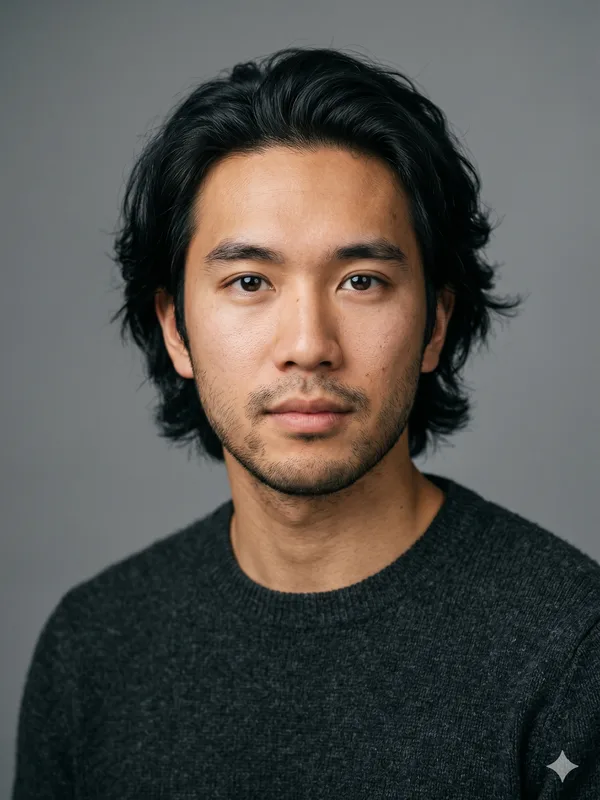
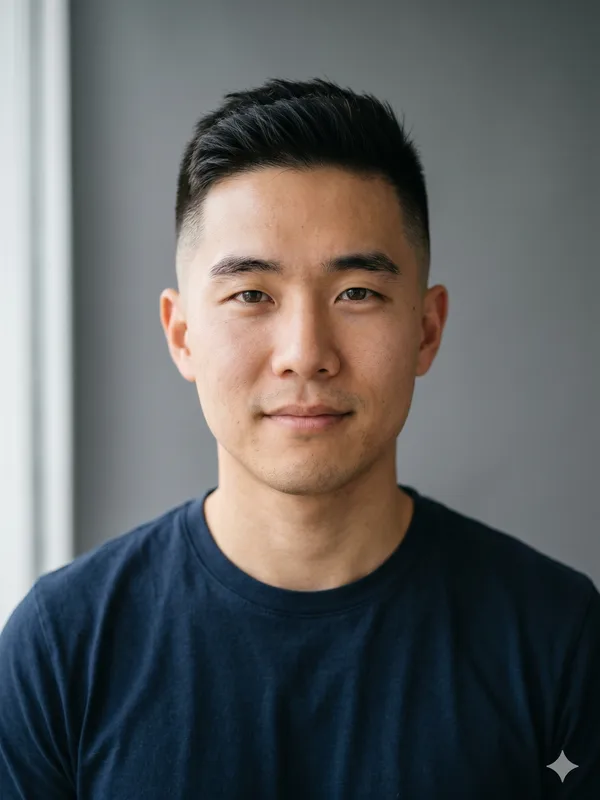
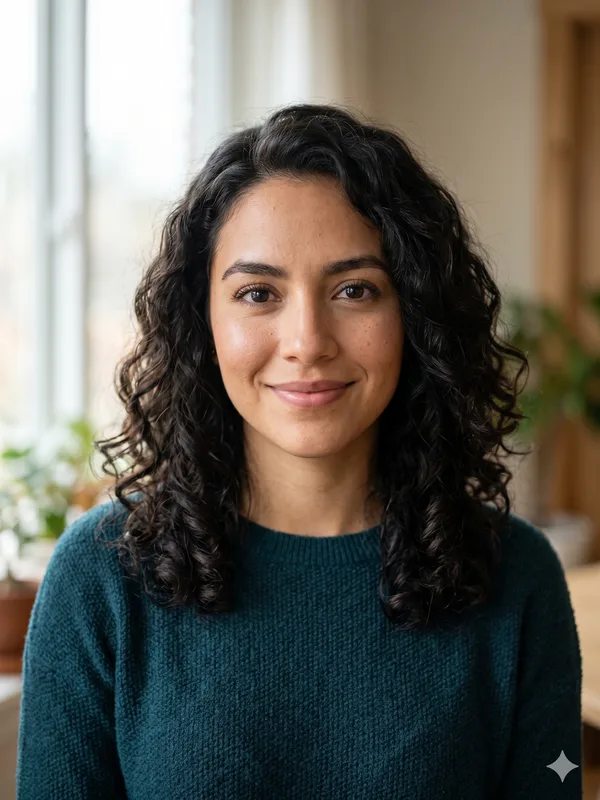
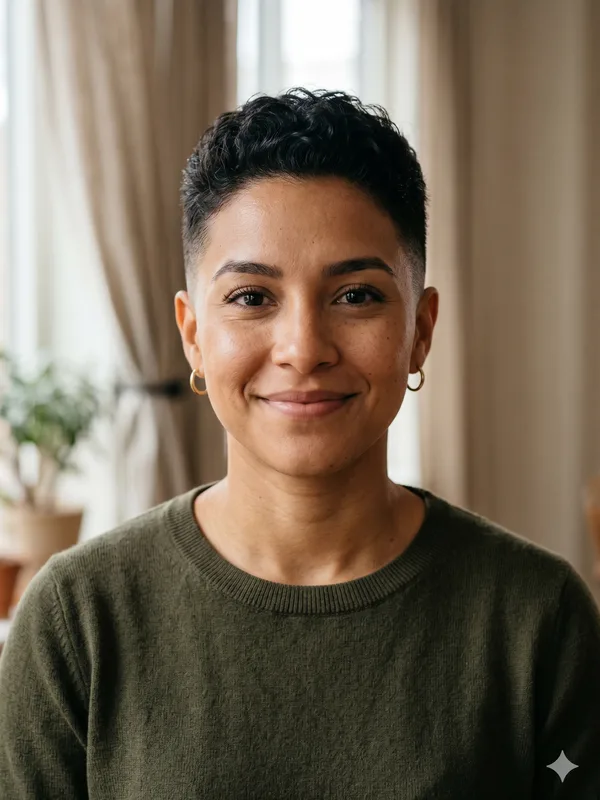
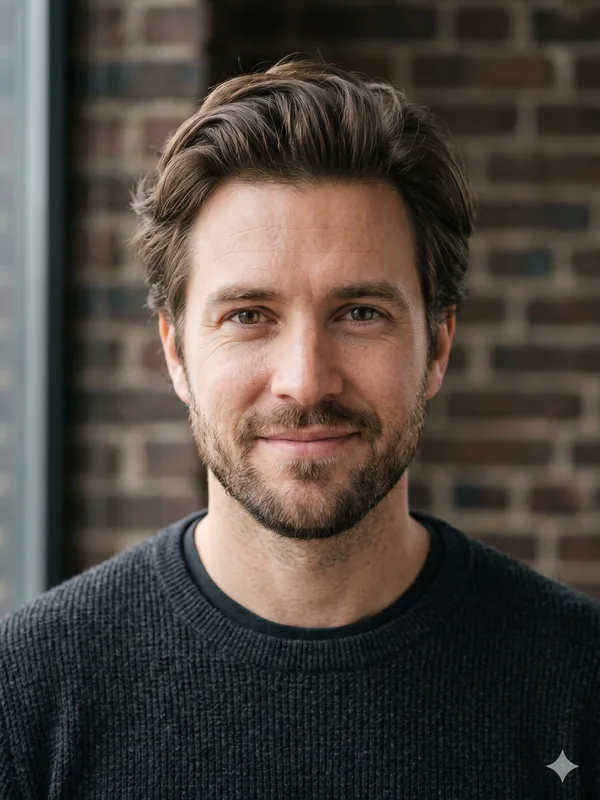
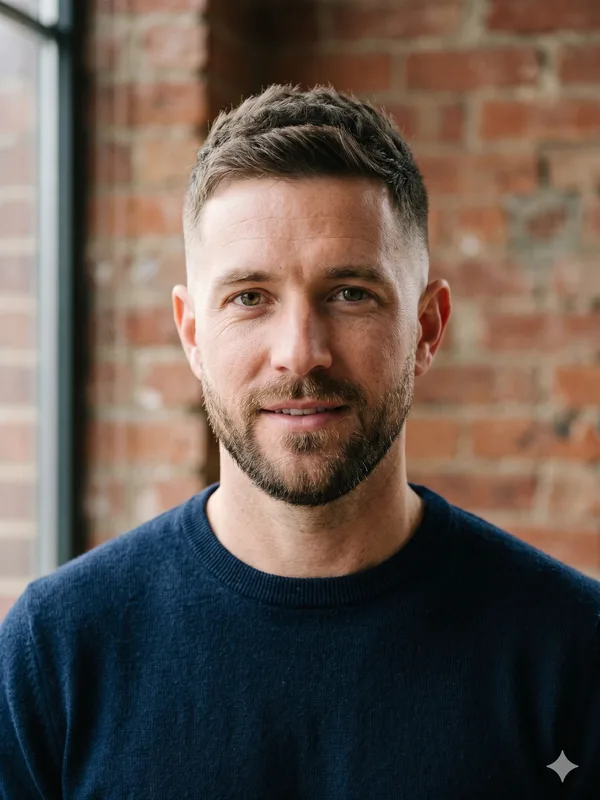
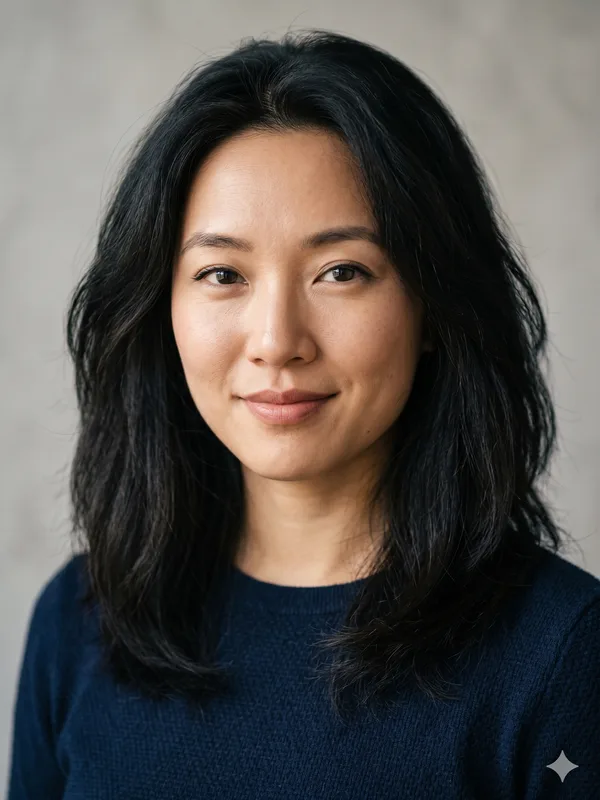
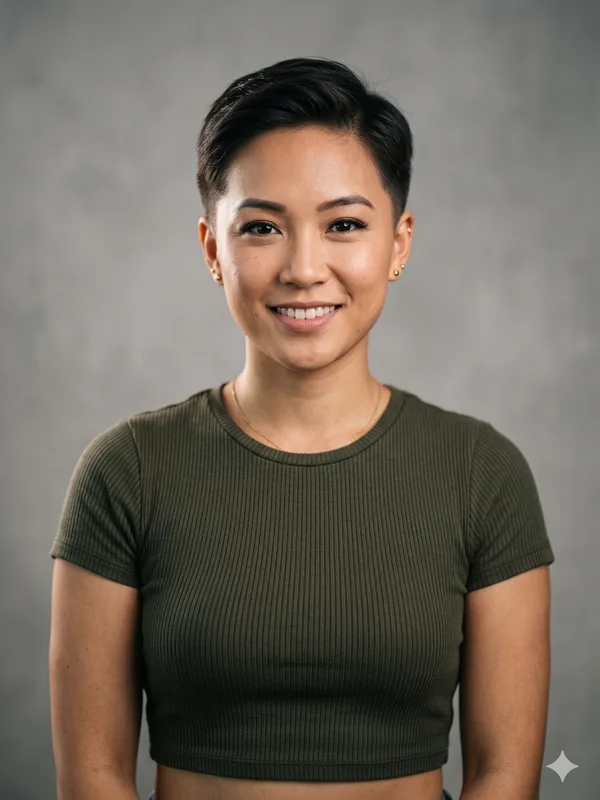
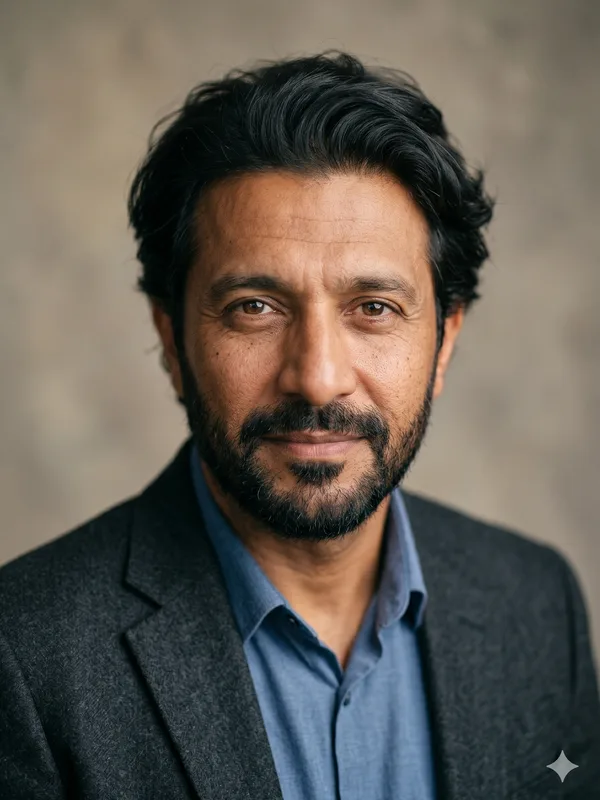
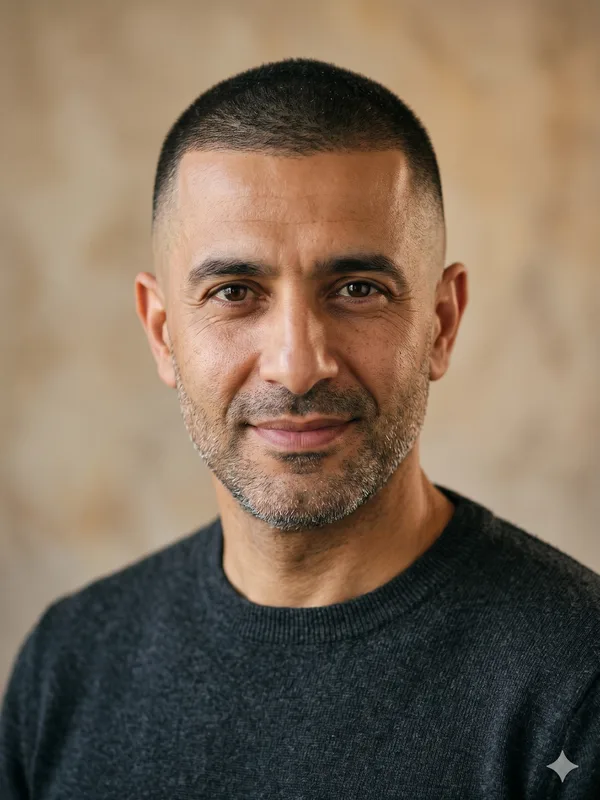
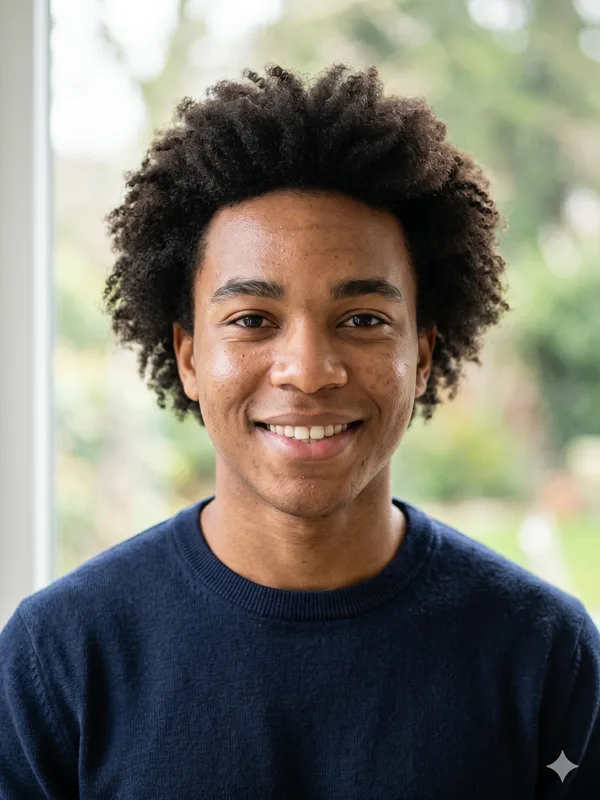
Hover to reveal the after.
Click a style to try it on your photo.
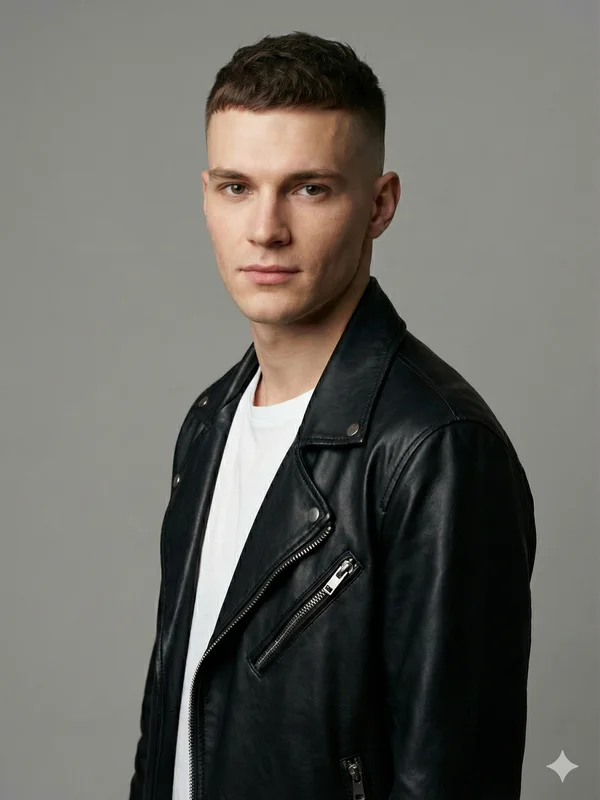
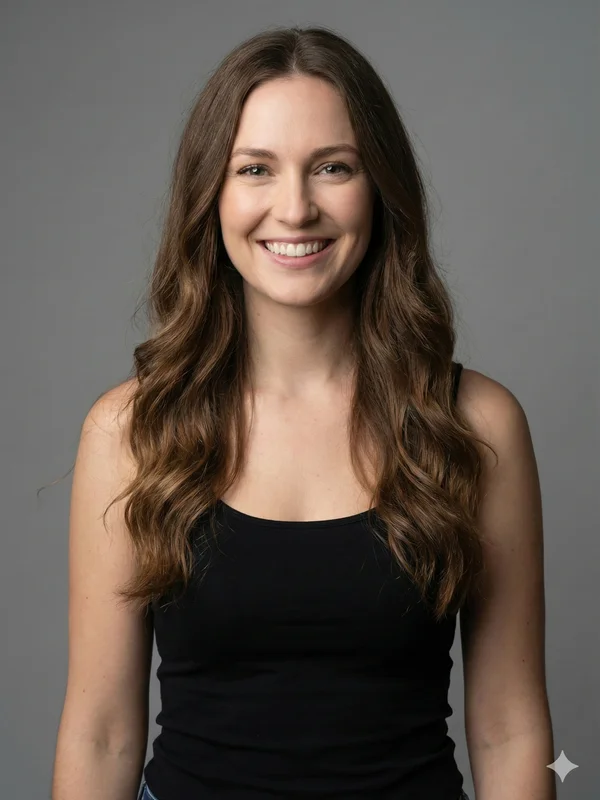
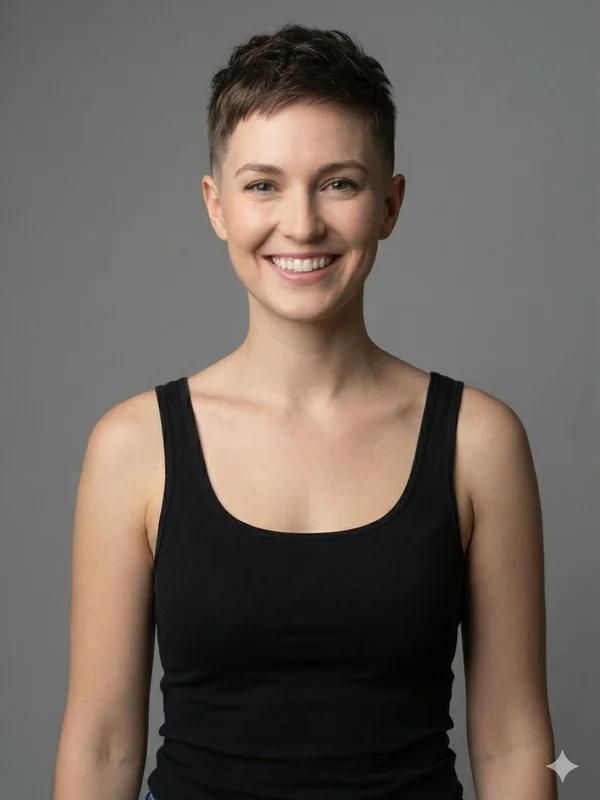
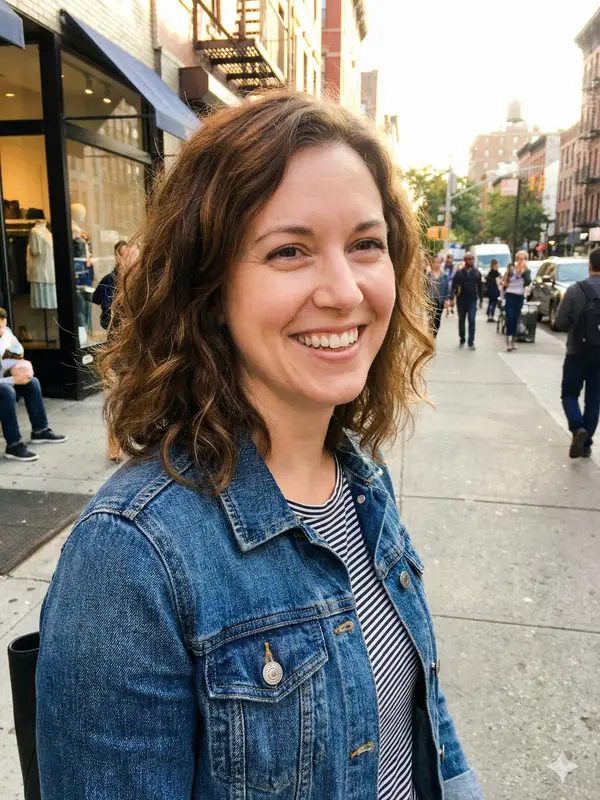
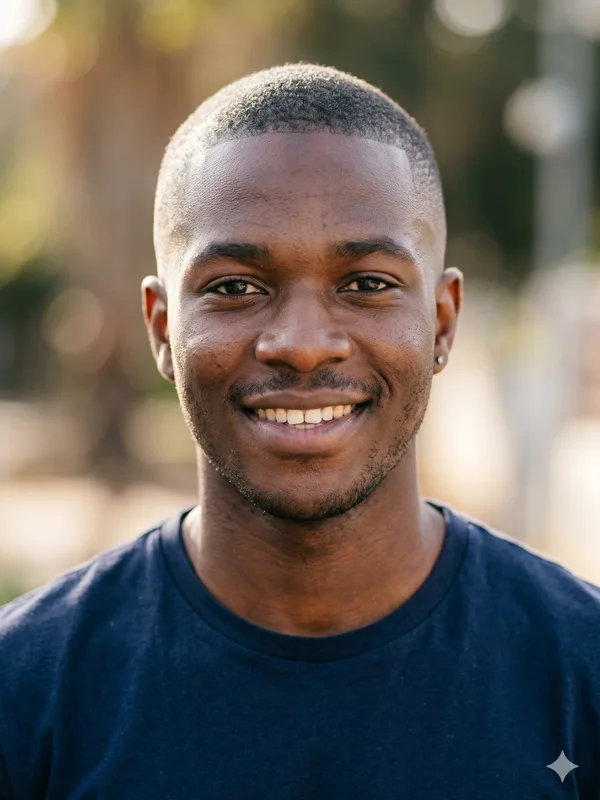
What is a Bald Photo Editor?
A bald photo editor is a specialized image editing tool designed to remove hair from photographs and create realistic bald transformations. Unlike general-purpose photo editors like Photoshop or GIMP that require manual editing skills, a dedicated bald photo editor uses AI to automate the entire process, producing professional results in about a minute.
Traditional hair removal in photos is one of the most challenging editing tasks. It requires not just erasing the hair, but reconstructing what lies beneath—the scalp—with appropriate skin tone, texture, shadows, and highlights that match the rest of the photo. Even experienced photo editors can spend hours on a single image and still produce results that look obviously edited.
BaldFade's bald photo editor solves this problem with advanced neural network technology. Our AI has been trained on hundreds of thousands of images to understand the complex relationship between hair, scalp, facial features, and lighting. When you upload a photo, the AI analyzes all these elements and generates a transformation that looks completely natural.
The result is a photo editing experience that delivers professional-quality bald transformations without requiring any technical skills. Upload your photo, wait a few seconds, and download an edited image that looks like it was done by a skilled retoucher.
AI vs. Traditional Photo Editing
Traditional Editing
- ✗Requires expensive software (Photoshop: $20+/month)
- ✗Takes hours of manual work per photo
- ✗Requires advanced editing skills
- ✗Results often look obviously edited
- ✗Difficult to match skin tones correctly
- ✗Shadows and lighting are hard to recreate
BaldFade AI Editor
- ✓Photos auto-deleted after 30 days
- ✓Results in about a minute
- ✓No technical skills required
- ✓Photorealistic results every time
- ✓Automatic skin tone matching
- ✓AI recreates perfect lighting and shadows
What Our Bald Photo Editor Can Do
Our AI-powered editor handles all aspects of bald transformation automatically.
Hair Detection
Advanced AI precisely identifies all hair regions regardless of color, length, or style—from buzz cuts to long flowing hair.
Scalp Reconstruction
The AI generates a realistic scalp that matches your skin tone and texture, creating a natural-looking bald head.
Lighting Matching
Shadows, highlights, and reflections are automatically adjusted to match the original photo's lighting conditions.
Feature Preservation
Facial features, expressions, and proportions remain unchanged—only the hair is removed.
Head Shape Analysis
The AI infers your actual skull shape from visible features to create an anatomically accurate result.
HD Output
Edited photos are output in high definition up to 2048px, suitable for printing or professional use.
How to Edit a Photo to Look Bald
Select Your Photo
Choose a photo you want to edit. For best results, use a clear, front-facing portrait with good lighting. The photo should show your entire head and face without obstructions.
Upload to Our Editor
Drag and drop your photo or click to upload. We support JPG, PNG, and WebP formats up to 10MB. Your photo is encrypted during upload and processing.
Let AI Do the Work
Our neural network analyzes your photo and performs the bald transformation automatically. This typically takes about a minute depending on image complexity.
Download Your Edited Photo
Preview your bald transformation with a before/after slider. When satisfied, download the edited photo in high resolution. It's ready to share or save.
Who Uses Bald Photo Editors?
Personal Use
- • Previewing how you'd look bald before shaving
- • Creating fun transformations of friends and family
- • Social media content and viral challenges
- • Preparing mentally for hair loss
- • Satisfying curiosity about your bald look
Professional Use
- • Film and TV character visualization
- • Casting director previews
- • Medical visualization for hair loss patients
- • Character design for artists and illustrators
- • Marketing and advertising mockups
Best Practices for Bald Photo Editing
Use High-Quality Photos
Higher resolution photos allow the AI to capture more detail and produce sharper results. Blurry or low-resolution images may result in less realistic transformations.
Choose Good Lighting
Even, natural lighting produces the best results. Avoid photos with harsh shadows on the face, as these can confuse the AI about skin tone and make the edit less realistic.
Face the Camera
Front-facing portraits produce the most accurate results. While our AI can handle various angles, direct eye contact with the camera gives the best transformation.
Show Your Full Head
Make sure your hairline and the top of your head are visible in the frame. Cropped photos may result in incomplete or unnatural-looking edits.
Remove Obstructions
Take off hats, headbands, sunglasses, or any accessories that cover your hair or forehead. The more hair the AI can see, the better the result.
Bald Photo Editor FAQ
Is this a replacement for Photoshop?
For bald transformations specifically, yes—and it's faster and easier. Our AI produces results in about a minute that would take hours to achieve manually in Photoshop, with no learning curve.
Can I edit photos of other people?
Yes, you can upload photos of anyone. Just make sure you have their permission if you plan to share the results publicly.
What happens to my photos after editing?
Your photos are encrypted in transit and at rest during processing and automatically deleted after 30 days. Your photos are sent only to our AI processing providers to generate your result — never sold, and never used to train AI models.
Can I use the edited photos commercially?
Yes, our Pro plan includes commercial usage rights. You can use edited photos in advertisements, films, publications, and any other commercial context.
What if I'm not satisfied with the result?
You can try uploading a different photo with better lighting or angle. Subscription plans unlock high-resolution results without a watermark.
Does it work on group photos?
Our editor works best with individual portraits. For group photos, we recommend cropping to focus on one person at a time for optimal results.
Can it remove just some hair, like a receding hairline?
Currently, our editor removes all hair to create a completely bald look. Partial hair removal or hairline modification is not supported yet.
Ready to Edit Your Photo?
Try our AI bald photo editor today. Professional-quality bald transformations in about a minute—no editing skills required.
Open Bald Editor NowResults in about a minute • Photos auto-deleted after 30 days