
Bald Photo Editor - Remove Hair from Photos Online

Edit head hair in a portrait with an AI image model, then compare the output with the original before saving it. This is a hairstyle preview editor, not a manual masking or scalp-retouching application.

Edit a portrait to look bald

Keep the original photo available for a detail-by-detail comparison.

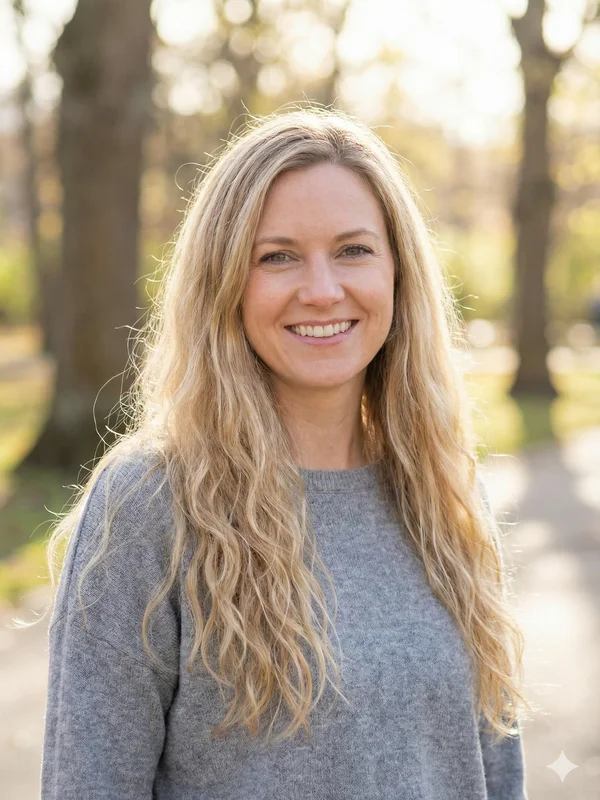
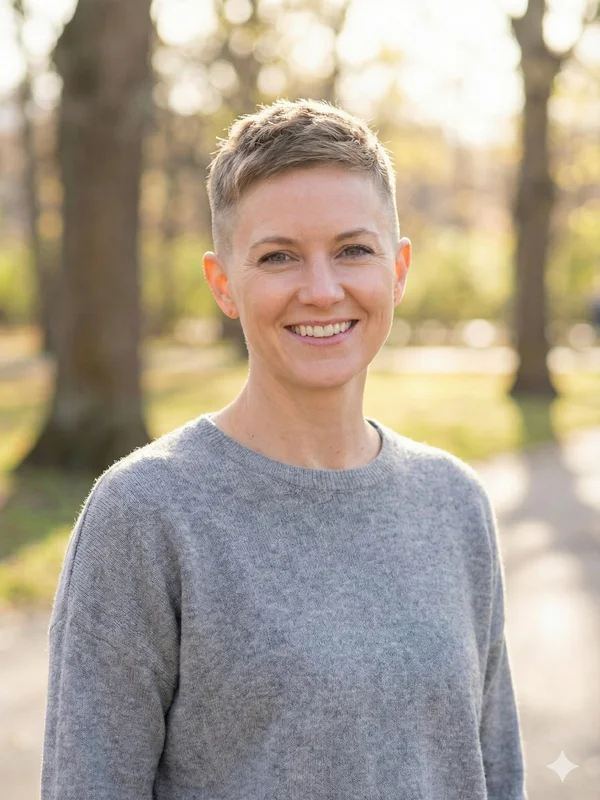
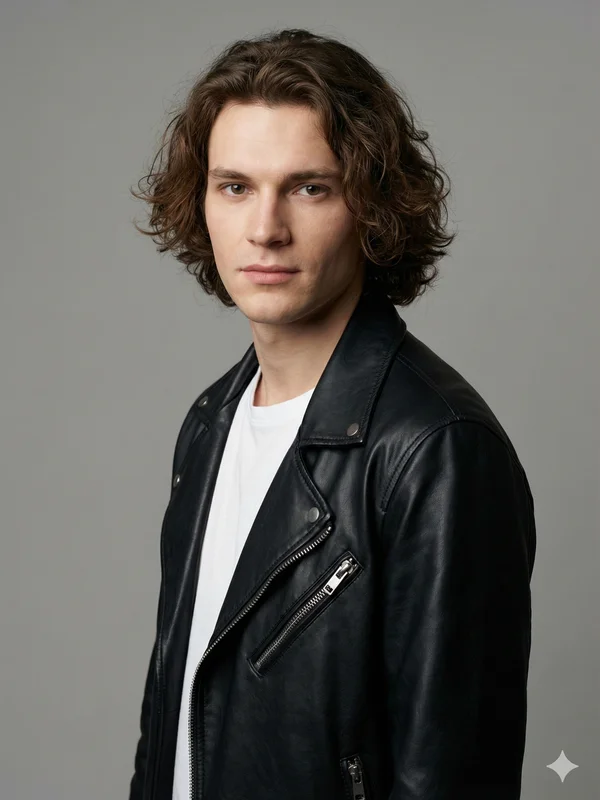
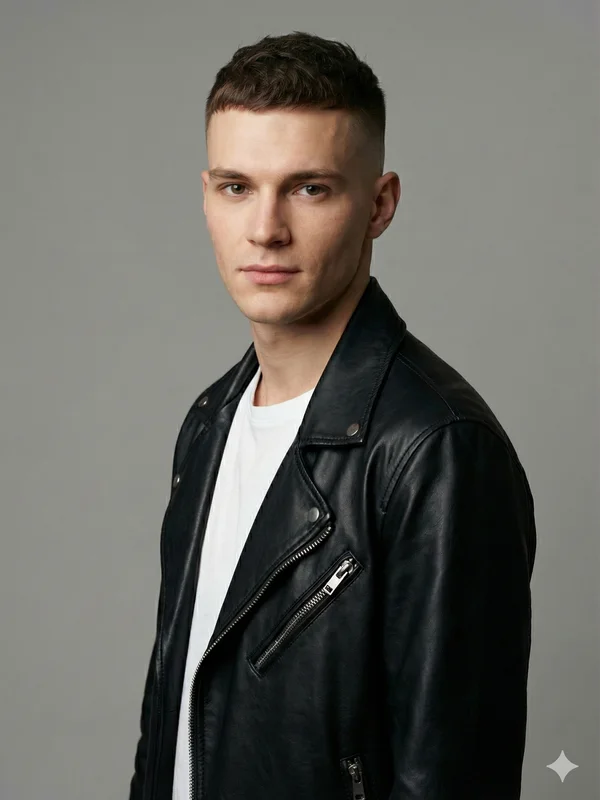
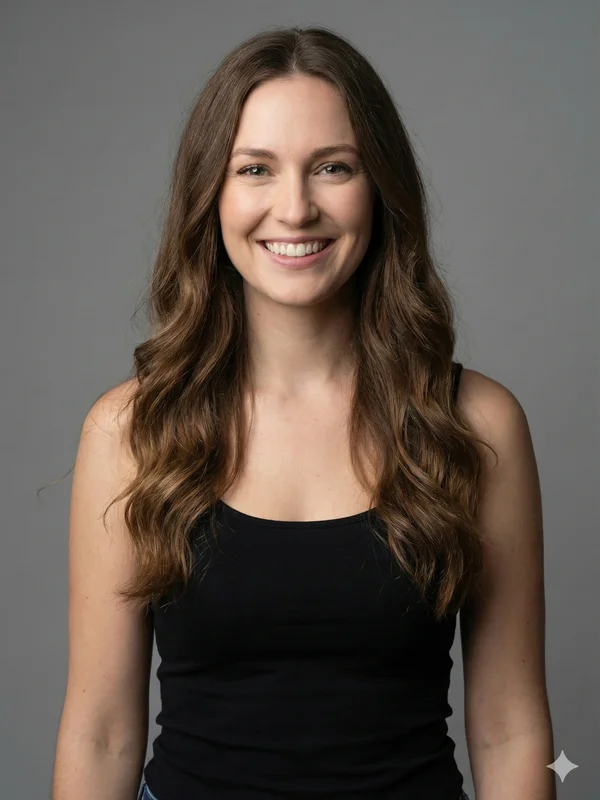
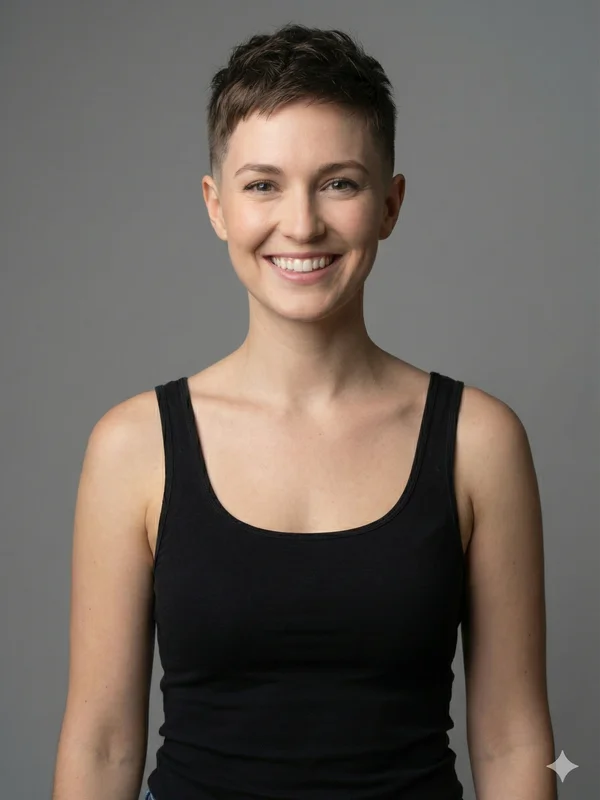
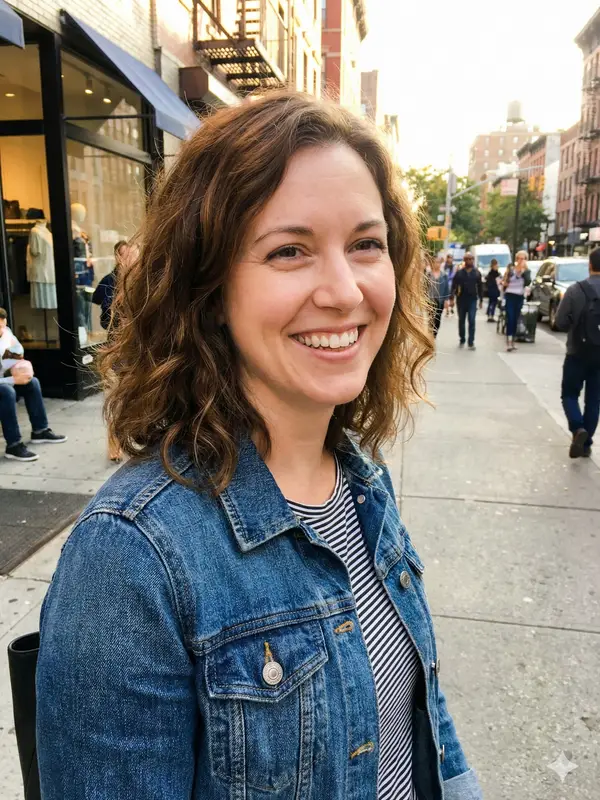
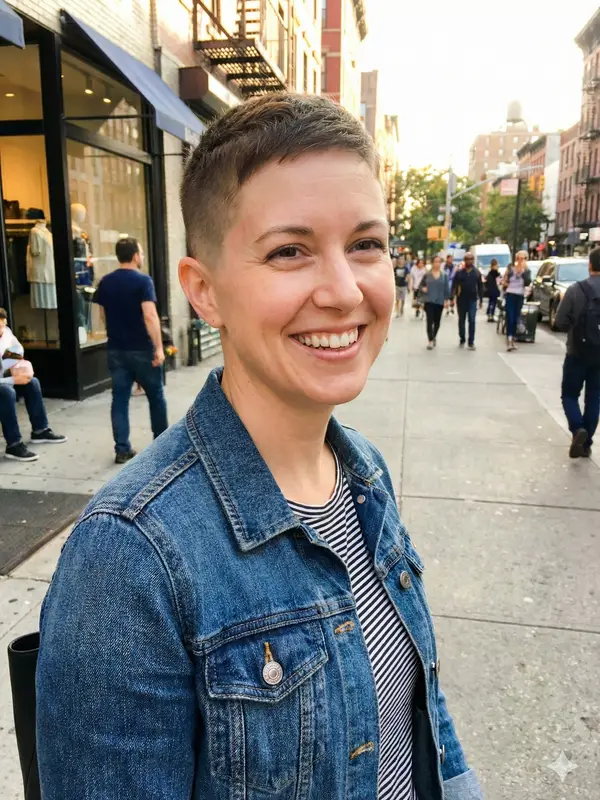
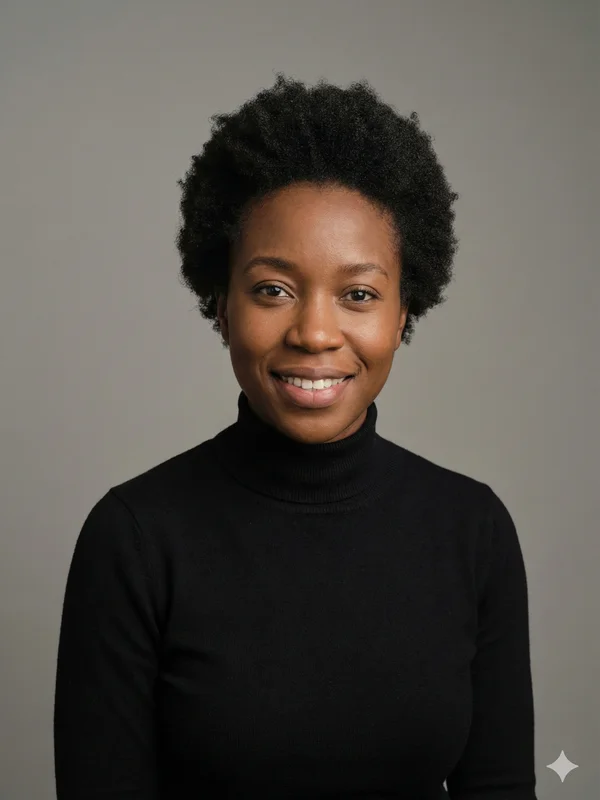
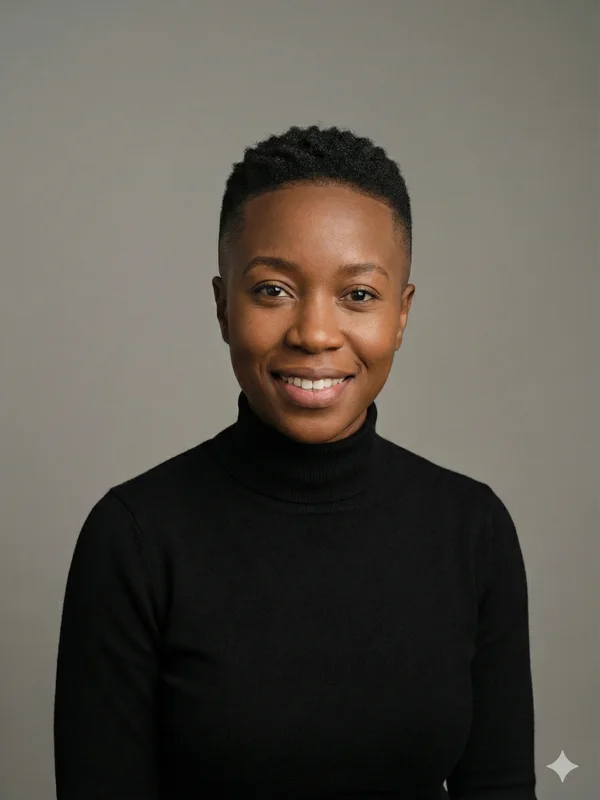
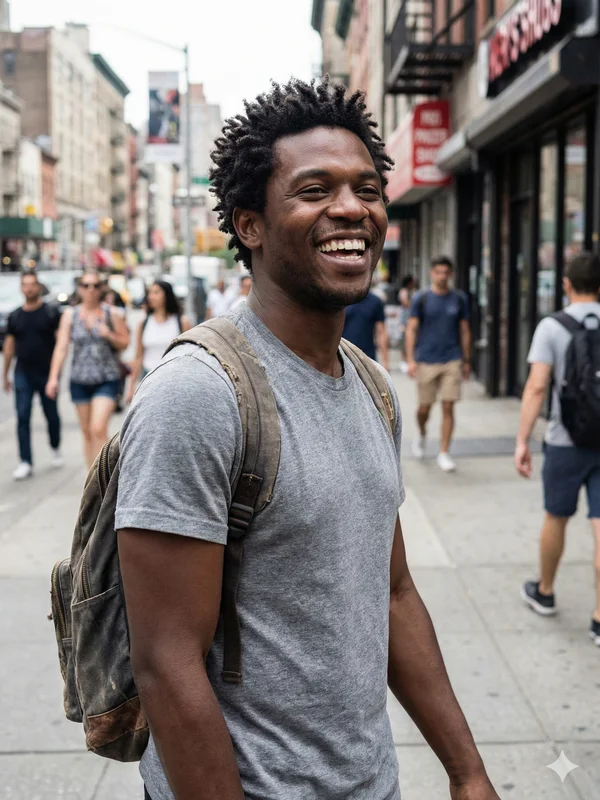
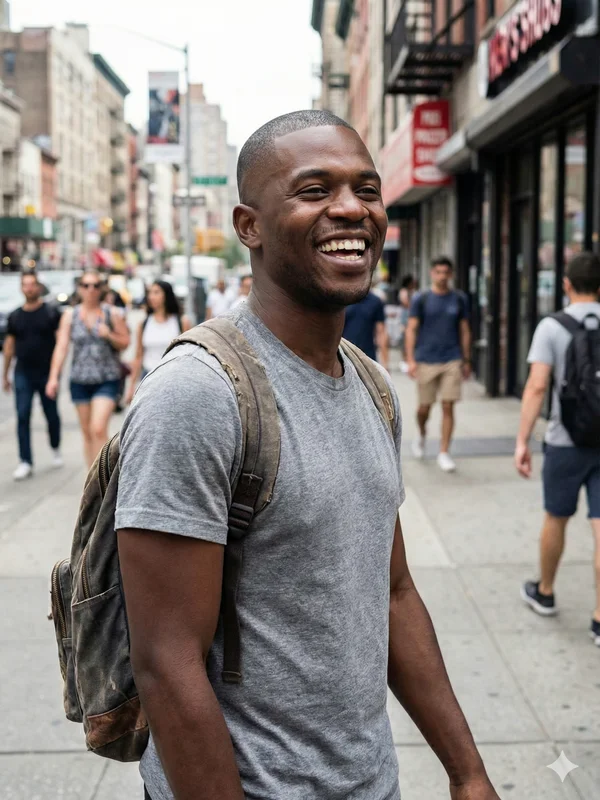
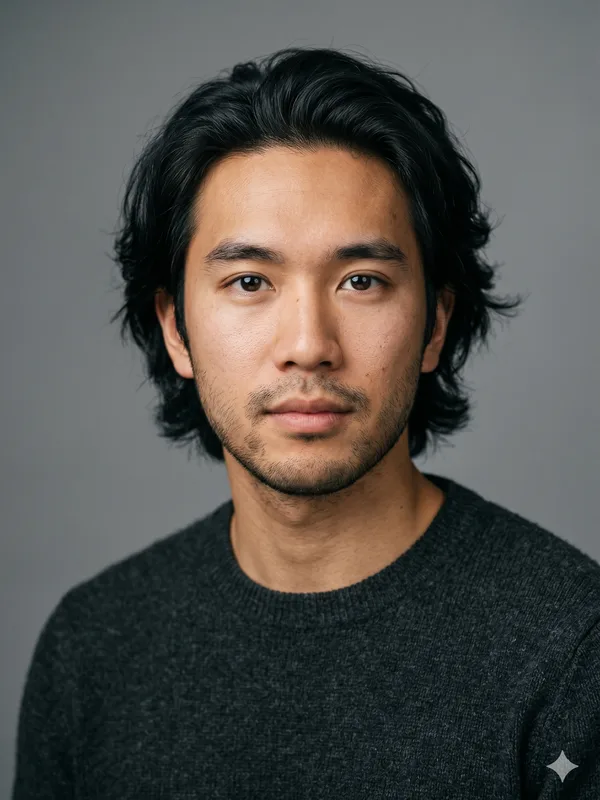
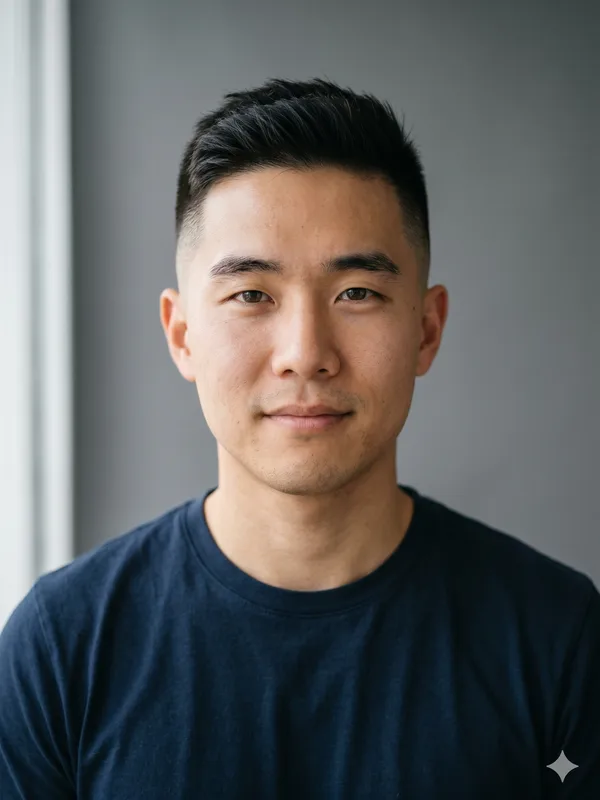
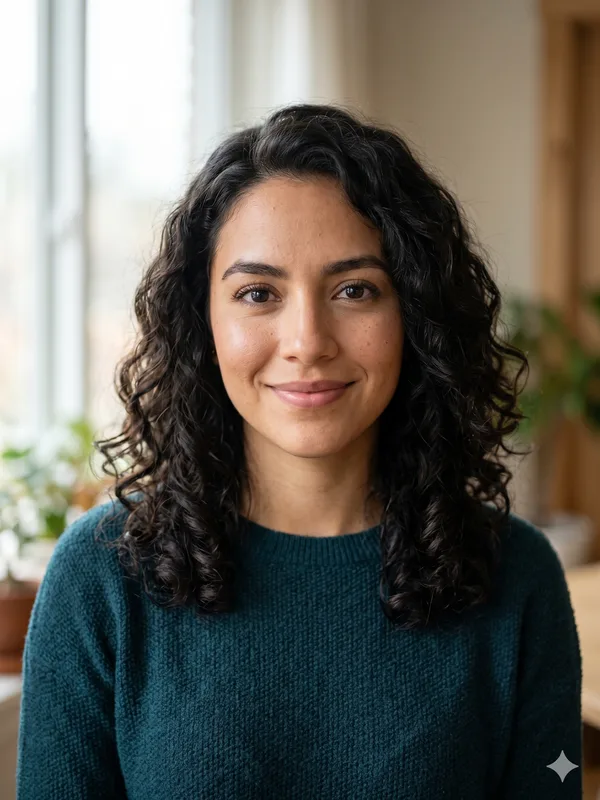
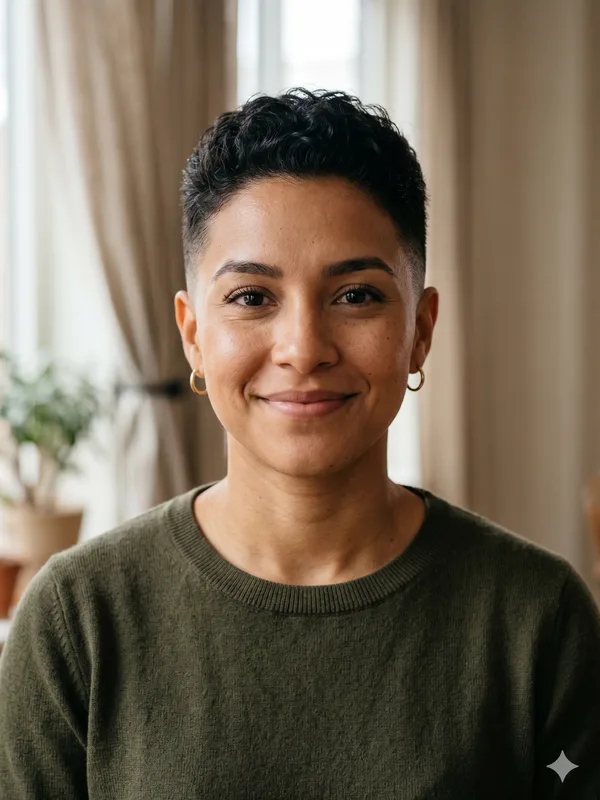
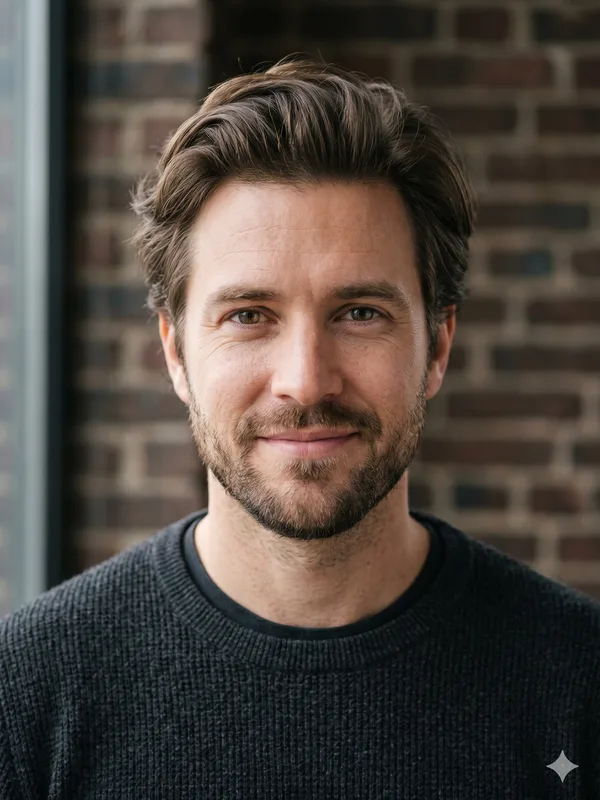
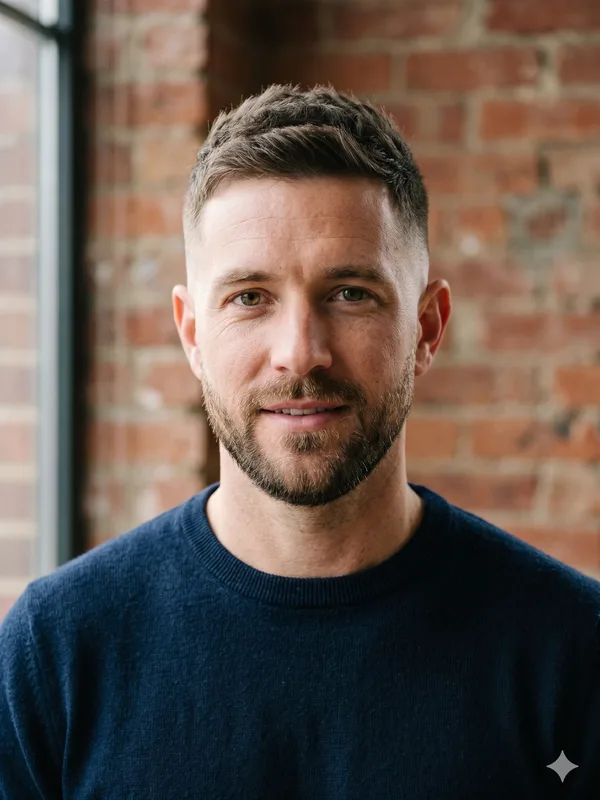
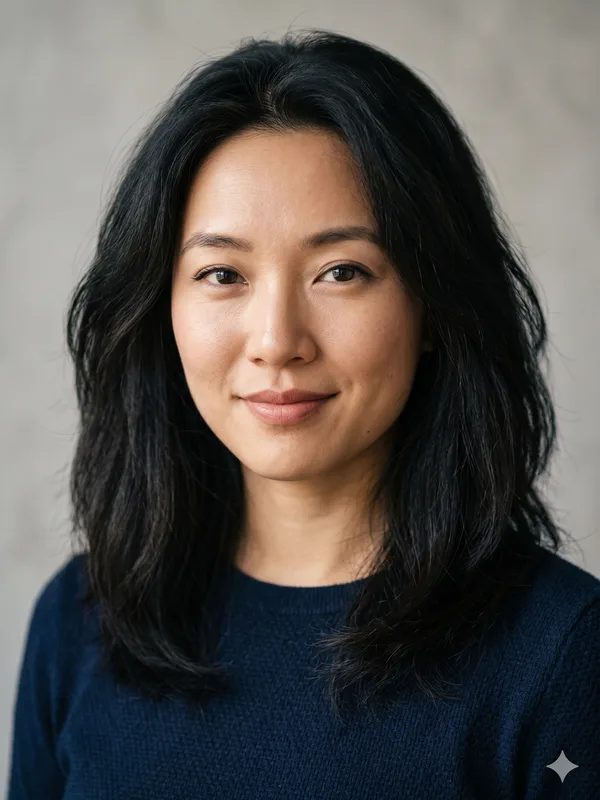
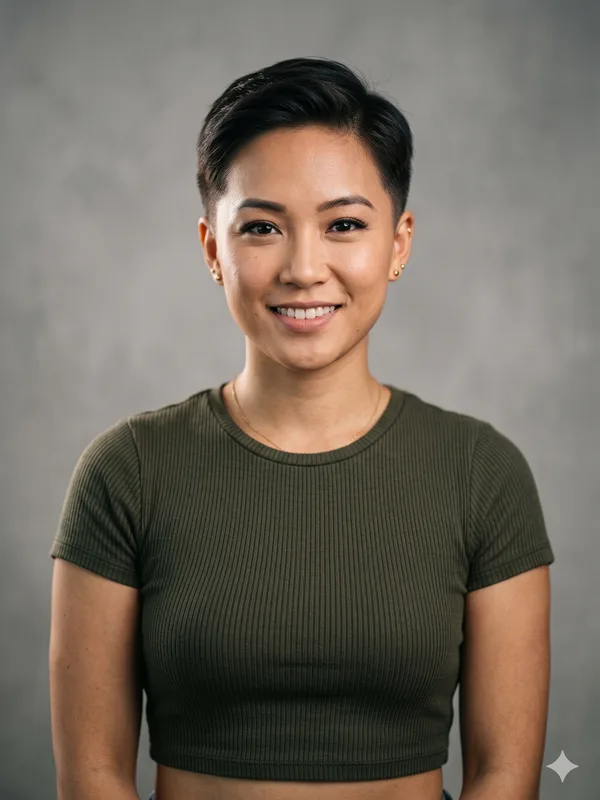
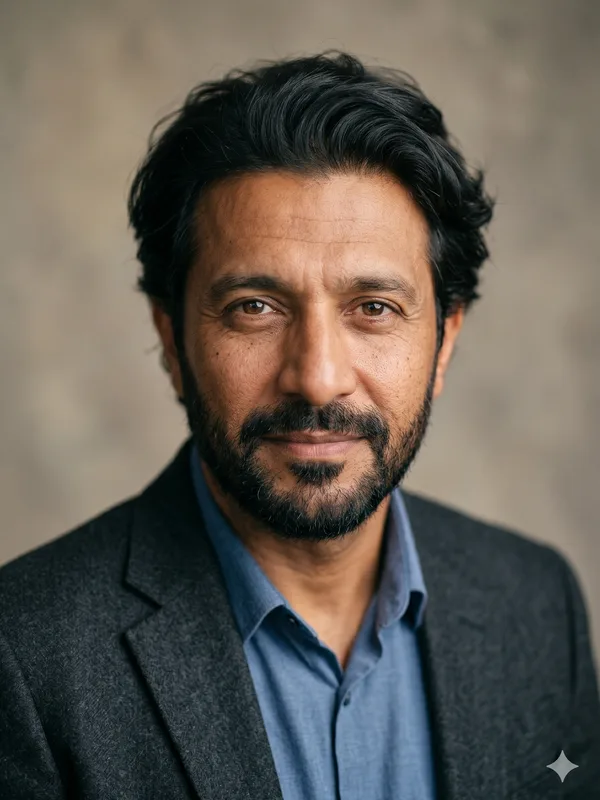
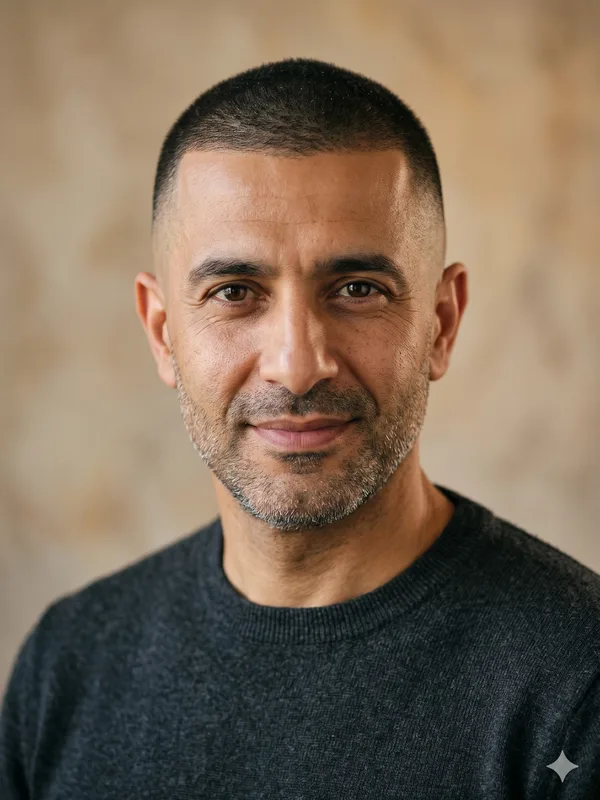
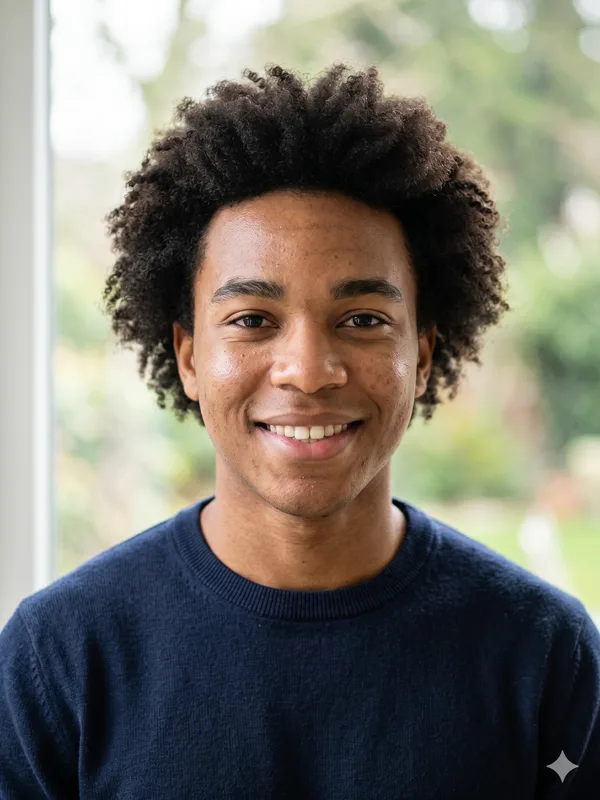
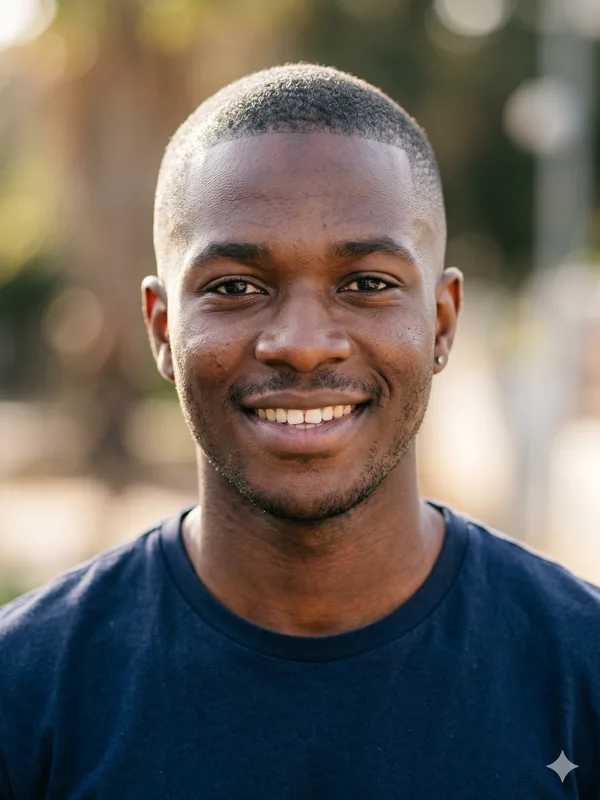
Example photo before hairstyle preview
AI hairstyle preview
BEFOREAI PREVIEW

AI-GENERATED EXAMPLE

‹ ›

Choose gender

Select Style
Completely Bald
SELECTED STYLE
Completely Bald
A clean-shaven look with no visible head hair. The scalp and natural head outline become the focus.

Upload a portrait. BaldFade sends it to a third-party AI image model with instructions to change the hairstyle. The output is a new AI-generated image; the model may also change facial features, skin tone, lighting or background, so compare it with the original before saving. BaldFade does not train its own image model.

The output is an AI preview. The model may change details outside the hair area or invent the scalp shape hidden by hair. It cannot guarantee how a real haircut or hair loss will look; processing time varies.

Generation time (BaldFade's own records): across 40 generations on the current model logged 2026-09-09 to 2026-09-29, the median was about 31 seconds and the middle half took 19–49 seconds (from starting generation to the finished image, excluding upload and payment; only generations with a recorded time on the nano-banana-2 model, quartiles by the exclusive method; data as of 2026-11-08).

$4.99 per image · see details

Upload a photo and choose a hairstyle. After review, pay, generate and download. $4.99 per image; photos that do not pass input review are not charged. The full refund rules are in the FAQ and the terms at the bottom of this page.

View pricing

What the editor controls

You choose an input photo and a hairstyle. Completely Bald asks for a smooth scalp while retaining the face, expression, lighting and background. The editor does not provide a brush, a hand-drawn hair mask or a scalp-shape slider.

The model receives the portrait and instructions, so it may redraw details beyond the requested hair region. Do not assume the image is a pixel-preserving retouch.

Inspect the image before keeping it

Inspect the image before keeping it
Compare with the originalLook for
Ears and scalp boundaryBroken outlines, leftover hair or an invented bump
Eyebrows, beard and facial expressionUnrequested changes to facial features
Background near the former hair edgeSmears, repeated textures or missing objects
Skin tone and lightingA scalp that does not fit the face or scene

Preview, download and sharing

  1. Open the completed result rather than judging from the progress screen. Compare it against the original at a useful viewing size.
  2. Download the completed result from your private result page after payment. Image-copy depends on browser support. Link sharing shares the public product page, not your private result.
  3. Save a local copy promptly and keep it labelled as an AI preview. Generated images are for personal use only.

A larger file is still an AI approximation

The download is a larger file, not a more accurate head shape. Payment does not turn the image into evidence of an actual shave or future hair loss.

For another visual target, start with your original portrait and choose a different style. A buzz cut fade leaves short hair on top; a bald fade is a transition to skin at the sides, not a fully bald head.

AI bald preview FAQ

Can I paint over only one section of hair?
No. The current editor uses a selected hairstyle prompt rather than a manual mask or brush.
Does downloading HD fix altered facial details?
No. Inspect the result first. Higher-resolution access does not correct an unwanted change to your face or the generated scalp.
What happens if generation fails?
Photos that fail review are not charged. A failed paid generation is retried once, then a refund request is submitted automatically to the original payment method; a failed credit image returns the credit automatically. Full rules are in the terms at the bottom of this page.

Single image $4.99, no account needed. Buy 3 credits for $9.99, 5 for $14.99, or 10 for $24.99. Credit users can create several styles at once. Tax may be added at checkout depending on your country. 1 credit = 1 image on any photo. Credits are valid 365 days from purchase; credits that expire soonest are used first. Prices as of 2026-11-08.

Generated images are licensed for personal use only.

Single-image payments: Photos that do not pass input review are not charged. After payment, failed generation is automatically retried once. If generation still fails, a refund request is submitted automatically and we process it within 5 business days; arrival time depends on your payment method. Refunds are returned to the original payment method. Output that does not pass review is not delivered; a refund request is submitted automatically and follows the same review and refund process. Credit purchases: Failed generation: the credit is returned automatically unless the original pack was refunded or revoked; check the result page for the actual return. A full refund is available within 14 days of purchase only if none of the pack's credits have been used. Credits returned after a failed image do not count as used. Once any credit from the pack has been used, its remaining credits are not refunded. Email support@baldfade.net for refunds.

For payment or refund questions, contact support@baldfade.net.

Photos and results are available for 30 days from when your photo is approved. Viewing and downloads stop at expiry; daily scheduled cleanup removes the files. Download your image and save your private page link.

Terms of ServicePrivacy Policy