
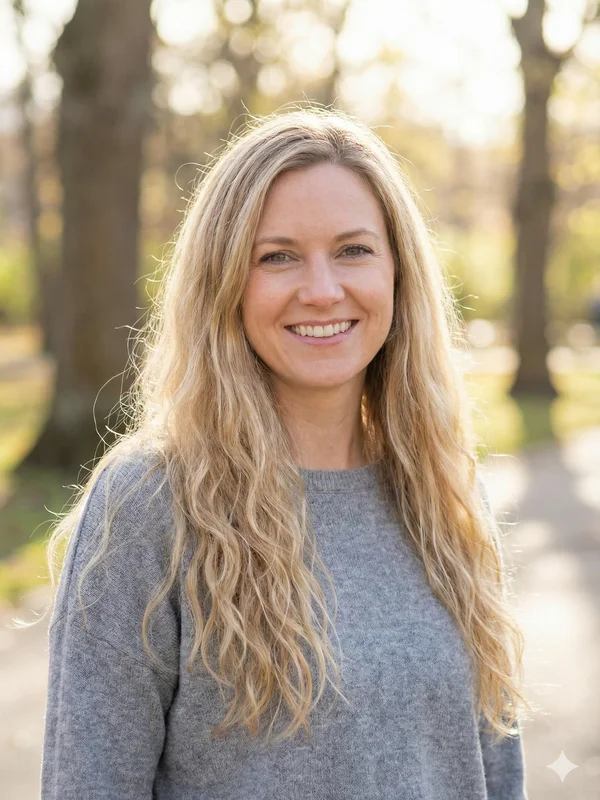
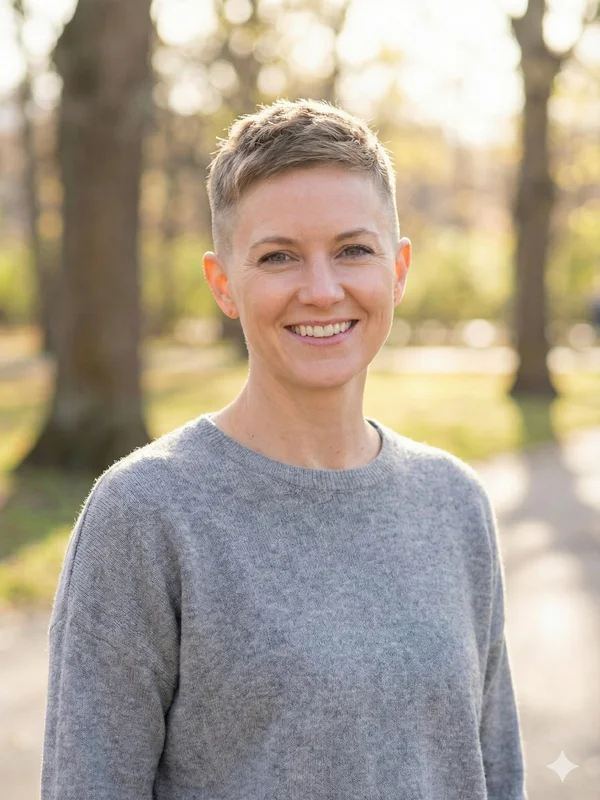
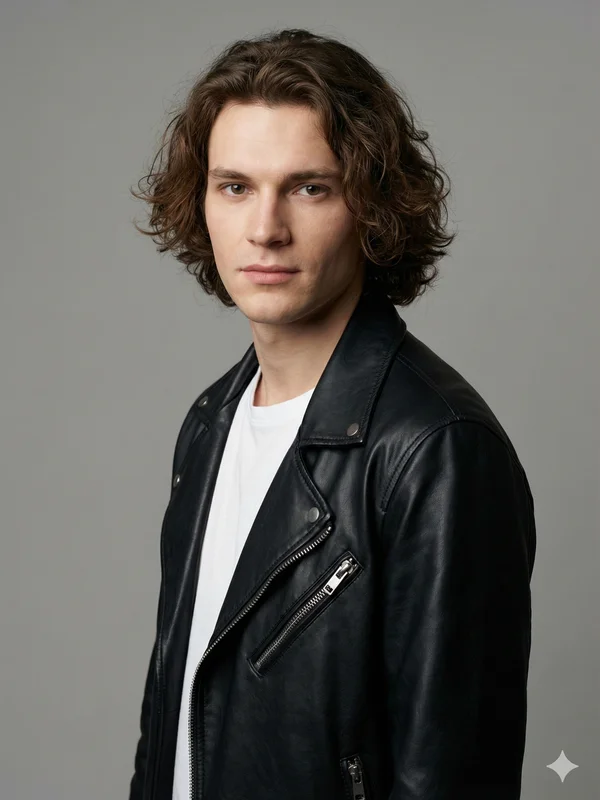
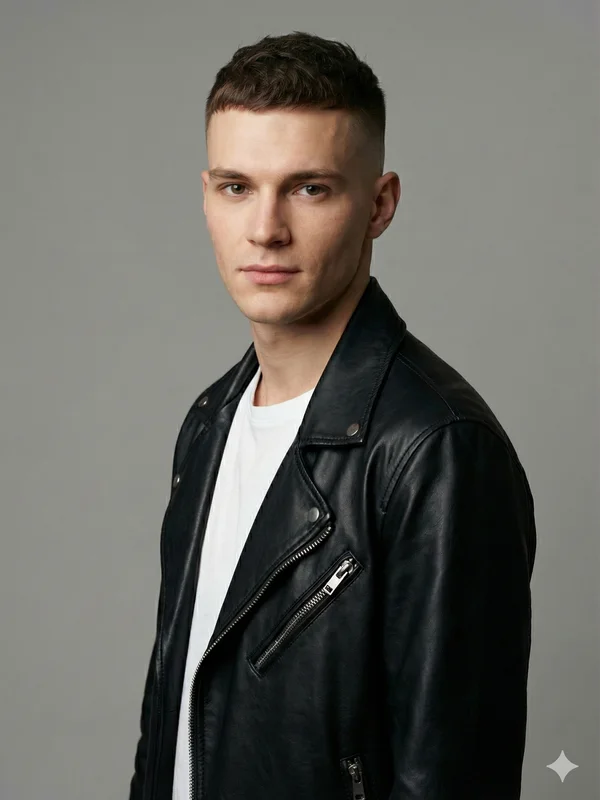
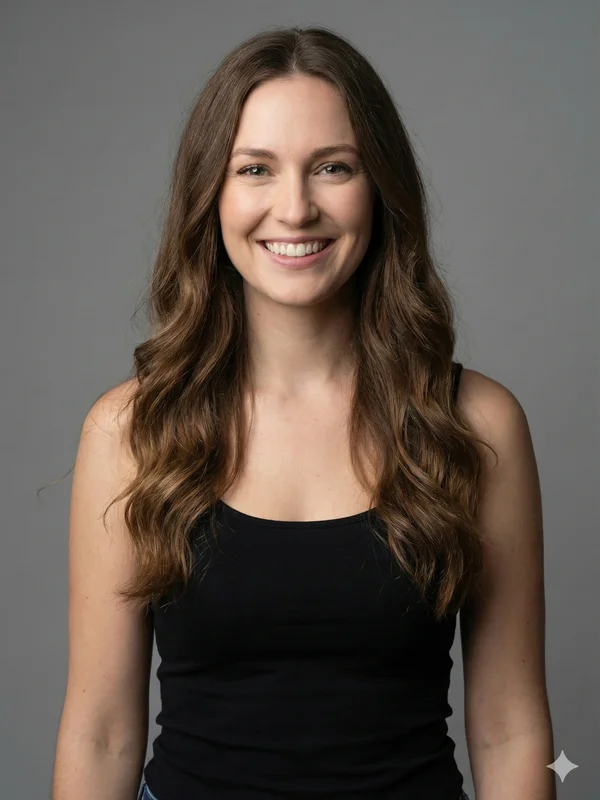
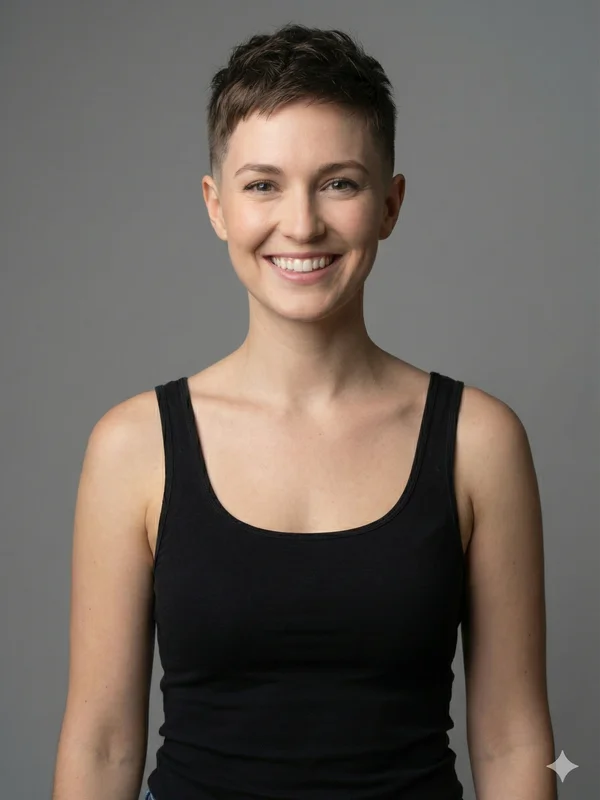
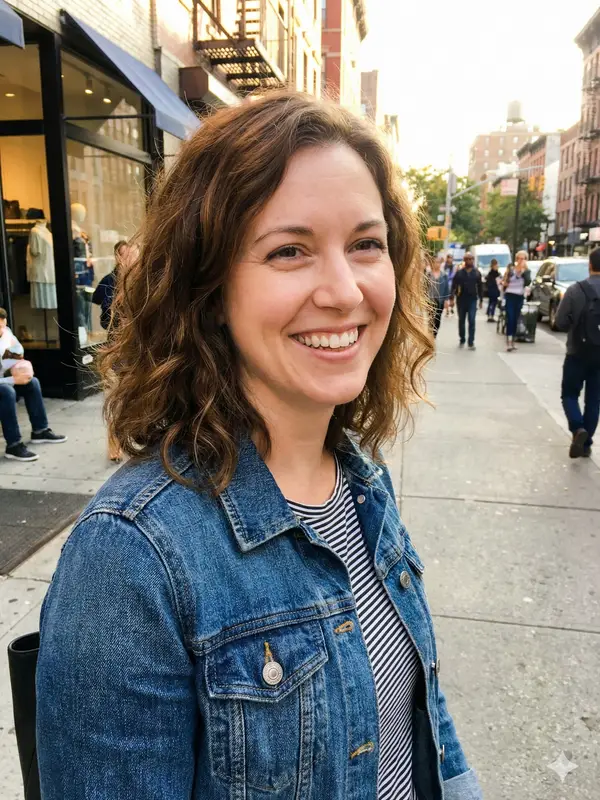
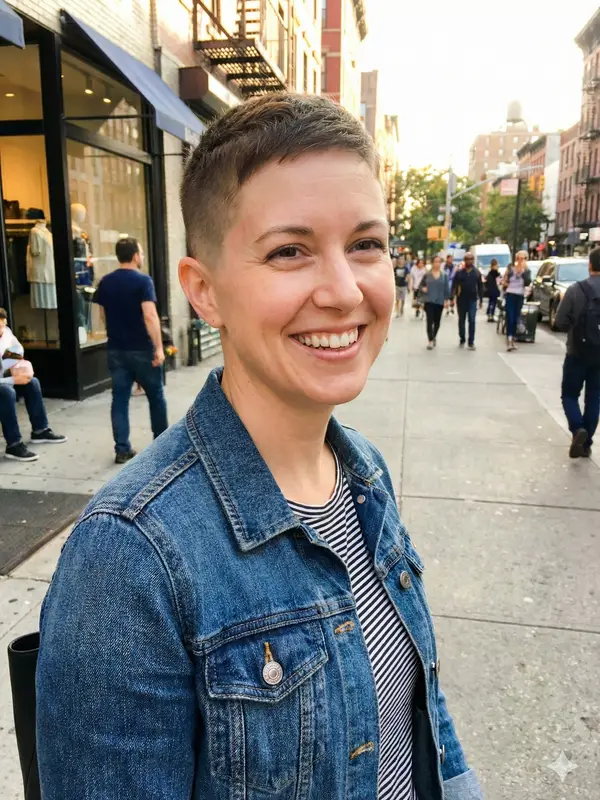
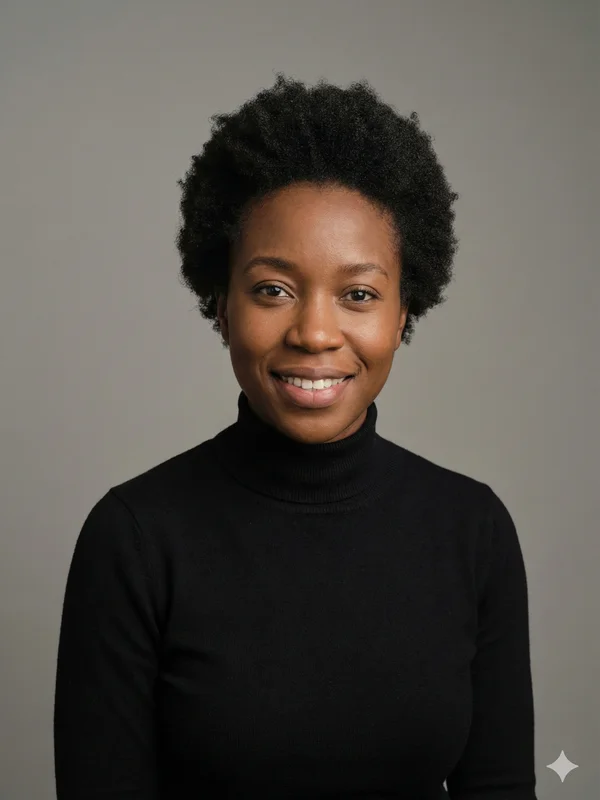
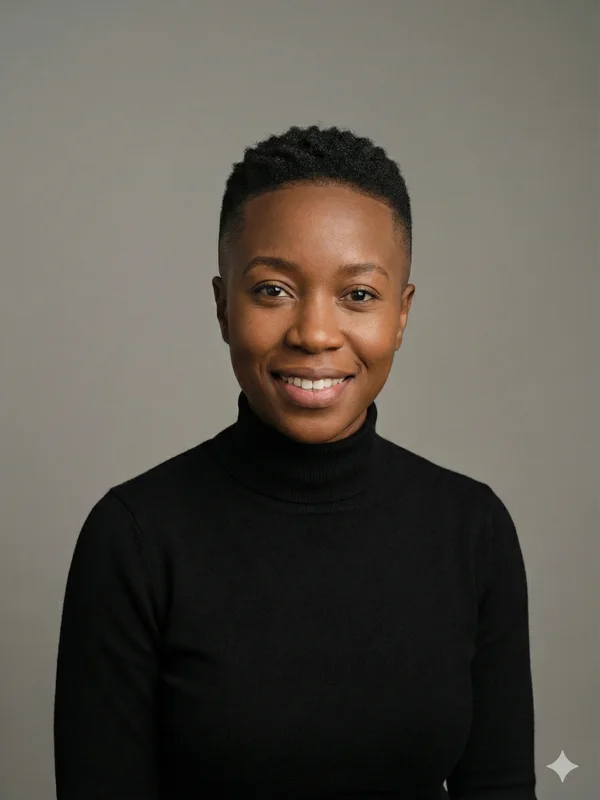
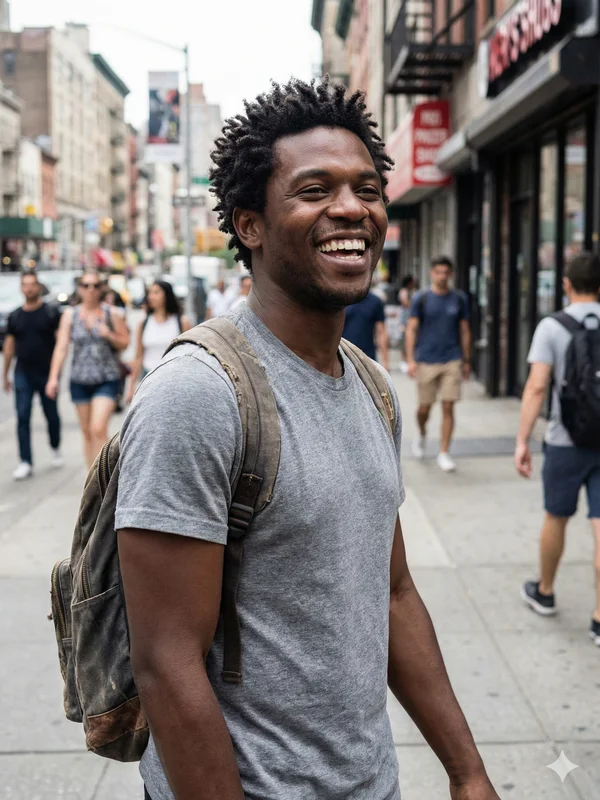




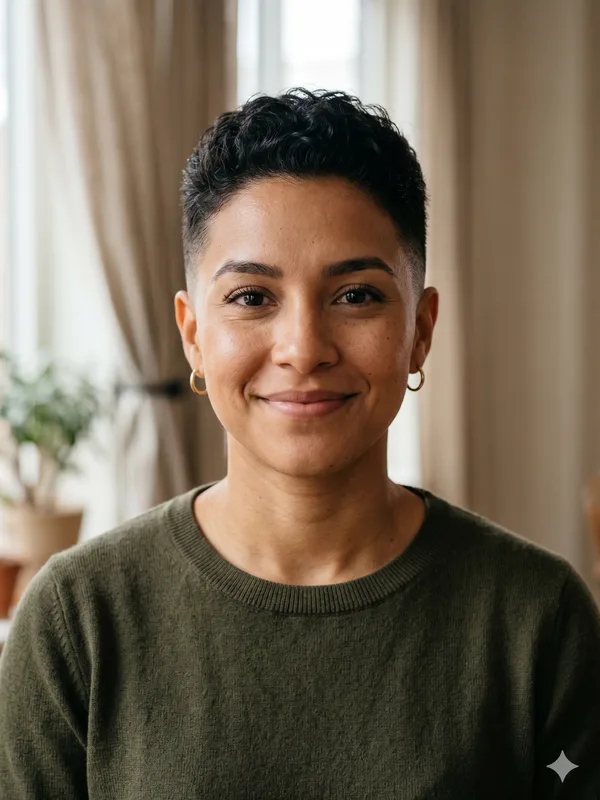

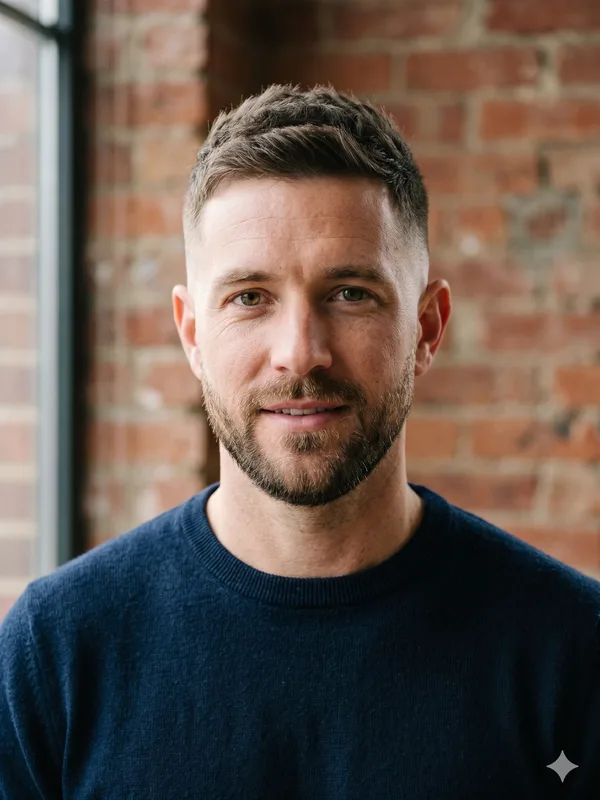

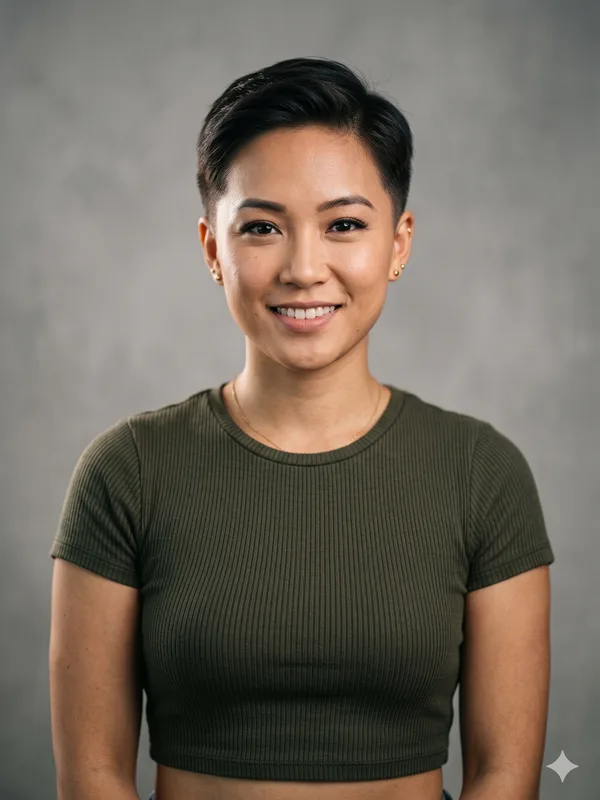

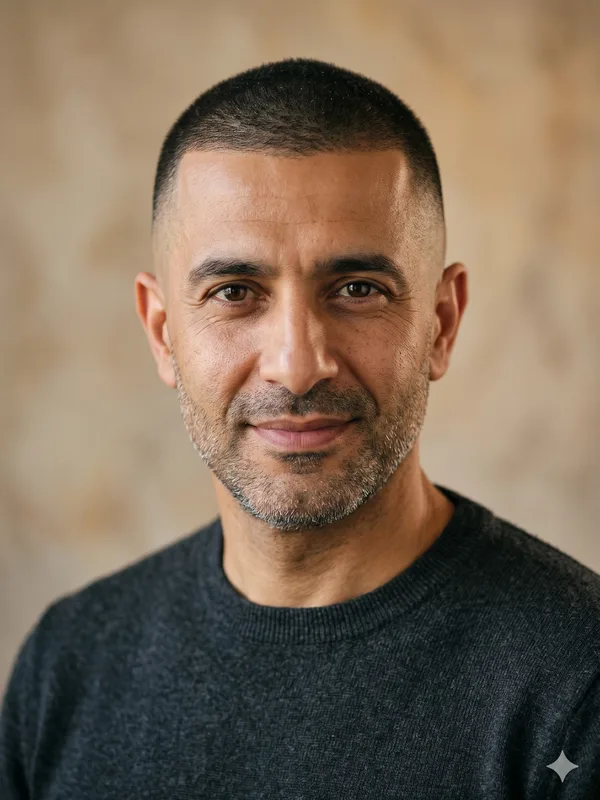
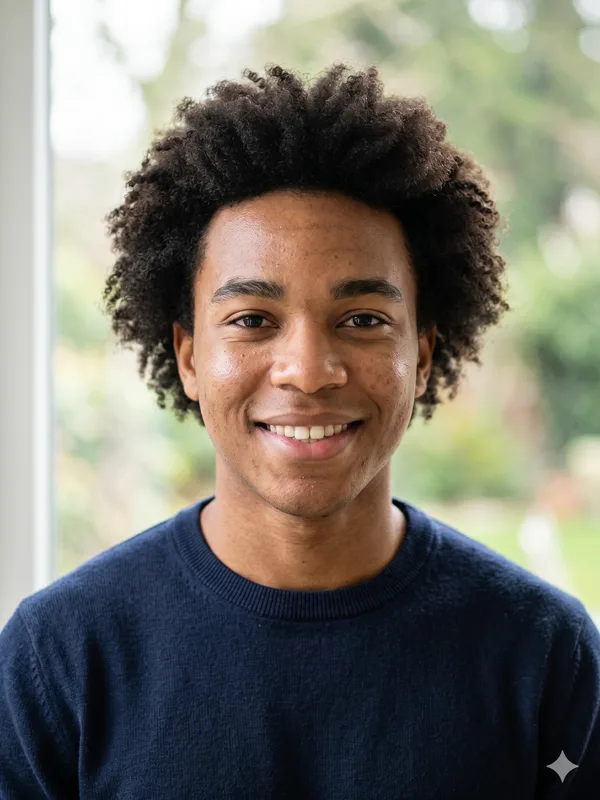
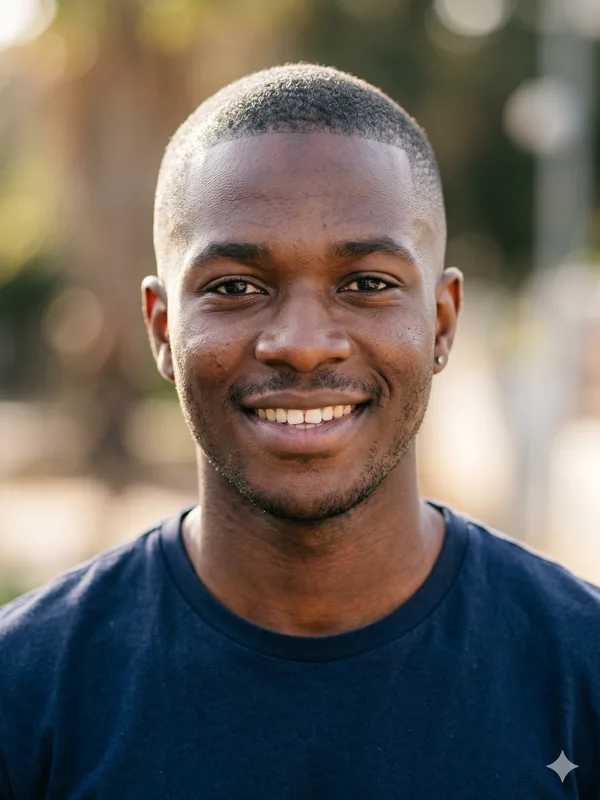
Photo consent before you make someone bald
- Use your own photo or obtain the person’s consent to upload and edit it. The upload requires a photo declaration; being able to access a photo is not the same as permission.
- If the photo belongs to a friend, consent applies to the edit as well as the upload. Do not use an altered portrait to impersonate them.
How to make your photo bald in 3 steps
- Select a portrait and keep Completely Bald selected. If you change the style, the next generation follows that style instead.
- One payment covers one image. Pay and download without an account.
- Wait for the editor to report success or an error. A moving progress indicator is not proof that an image is ready. Inspect the completed result after downloading.
Bald result looks wrong? Retry with a better photo
A new generation is a new editing request, charged like any other image ($4.99, or 1 credit), not a correction applied to your real appearance. A paid image that fails is different: it is retried once automatically at no extra charge. If the scalp outline is implausible, use a better-framed original portrait before trying again.
Keep the original and your chosen result together. Label the edited image as an AI preview when showing it to someone so it cannot be mistaken for a photograph of an actual haircut.
If completely bald is not what you meant
For visible short hair, explore Buzz Cut Fade; for a shaved-head decision, compare the terminology before generating another image. A skin fade retains hair on top and is a different visual target from removing all head hair.
AI bald preview FAQ
- Can I make a friend bald as a joke?
- Only upload and edit their portrait with their consent. Keep the result clearly identified as an edit and follow the acceptable-use rules.
- Does payment include the download?
- Yes. One payment covers one image, including the HD download without a watermark.
- Can I make my photo bald on my phone?
- Yes. It runs in your phone's web browser with no app to install: upload from your camera roll, pay on Stripe's secure checkout page, then return to BaldFade to download. On a computer, the upload area also shows a code you can scan to send a photo from your phone.
- Who can see my bald result?
- Your result is not listed publicly. It opens from a private result link, and anyone who has that link can view and download the image until it expires 30 days after your photo is approved, so share it only with people you choose.
- What happens if generation fails?
- Photos that fail review are not charged. A failed paid generation is retried once, then a refund request is submitted automatically to the original payment method; a failed credit image returns the credit automatically. Full rules are in the terms at the bottom of this page.