


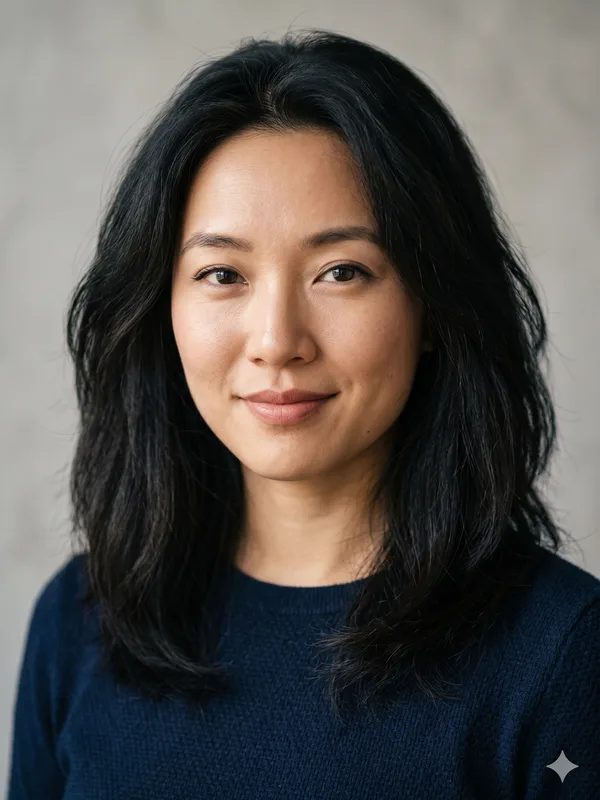
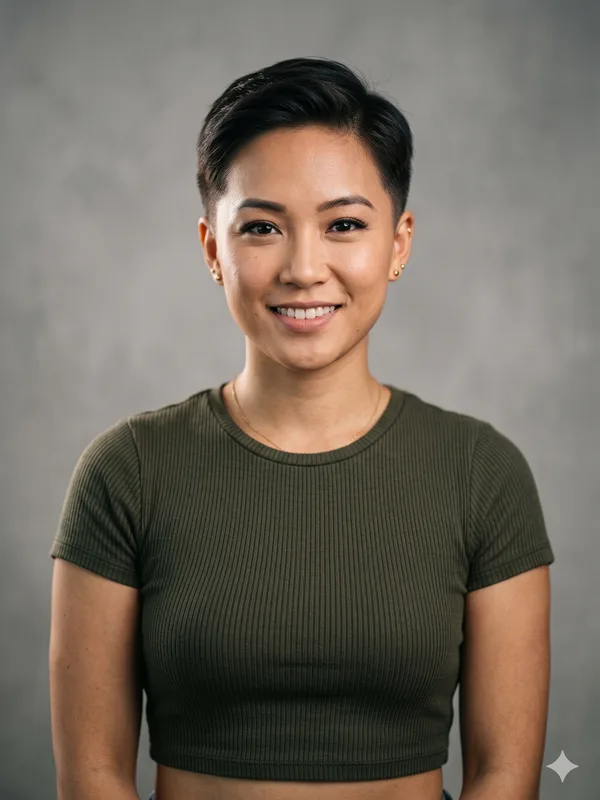
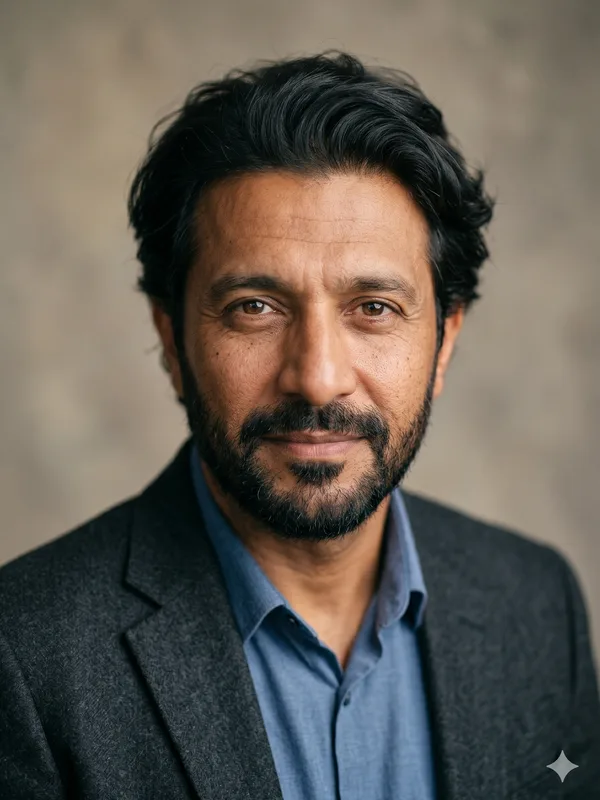
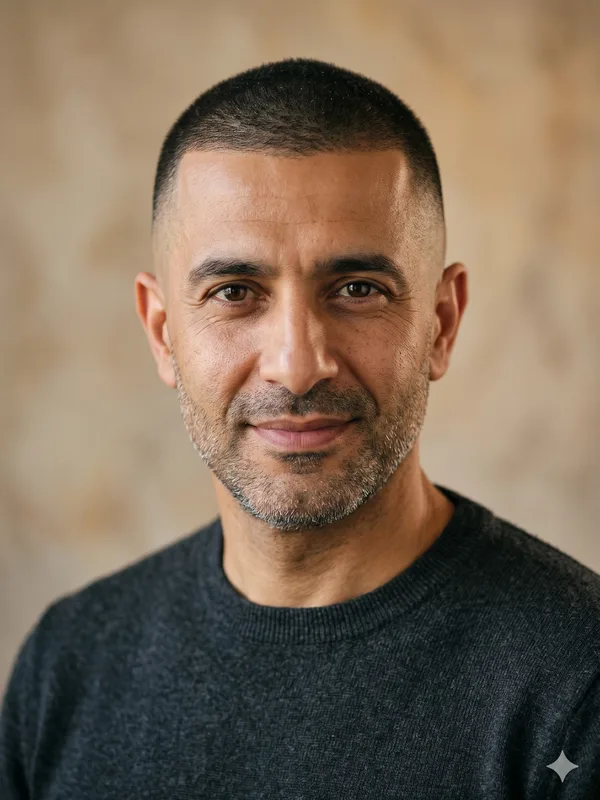
Shaved Head Filter: Preview a Clean Shave with an AI Simulator

Preview a deliberate clean-shaven look before deciding on a haircut. This editor starts with Completely Bald: a smooth scalp without visible stubble, rather than a simulation of thinning hair.

Preview a clean-shaven head

Keep your beard and eyebrows visible for comparison.

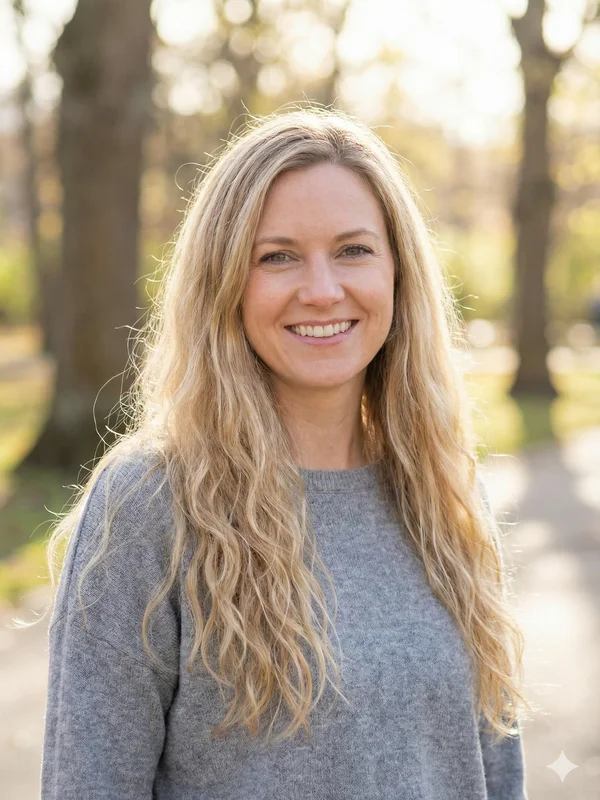
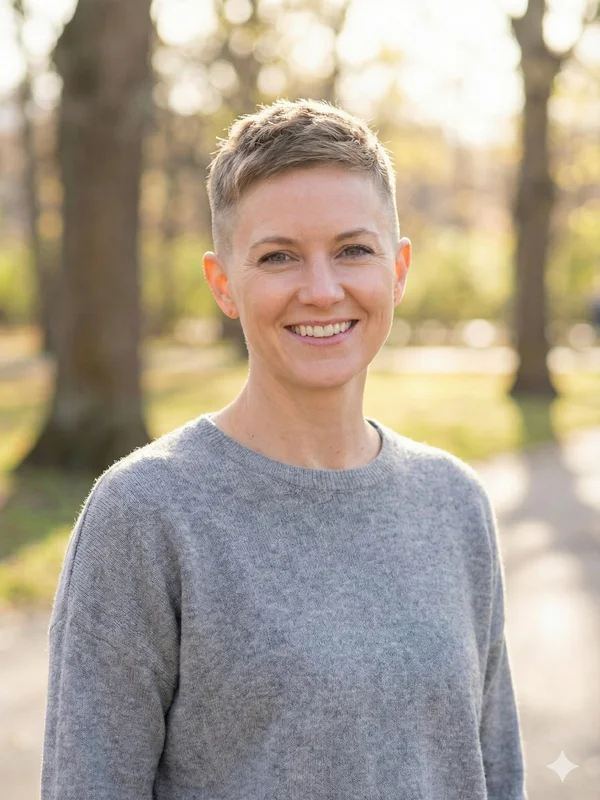
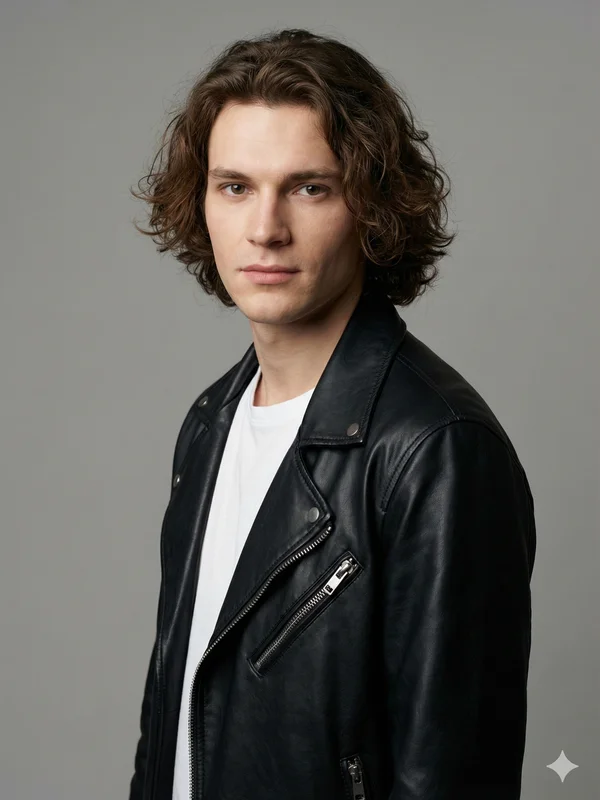
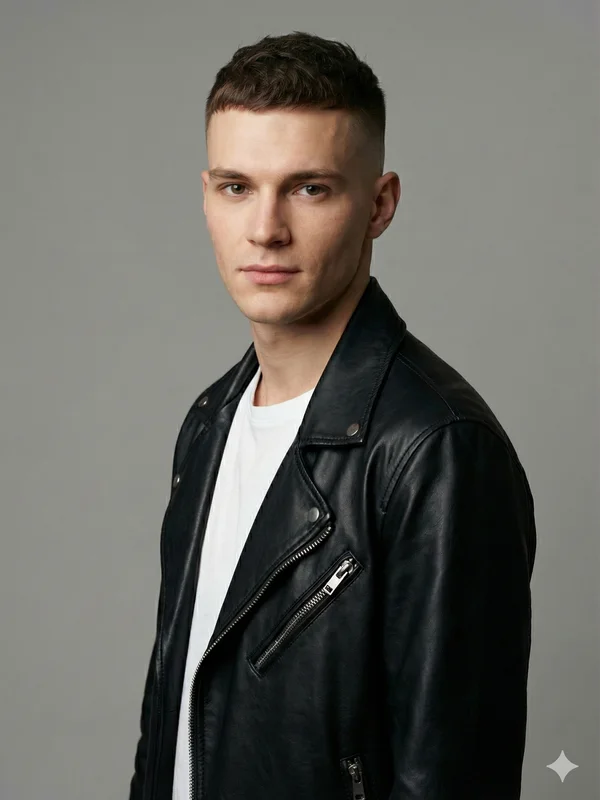
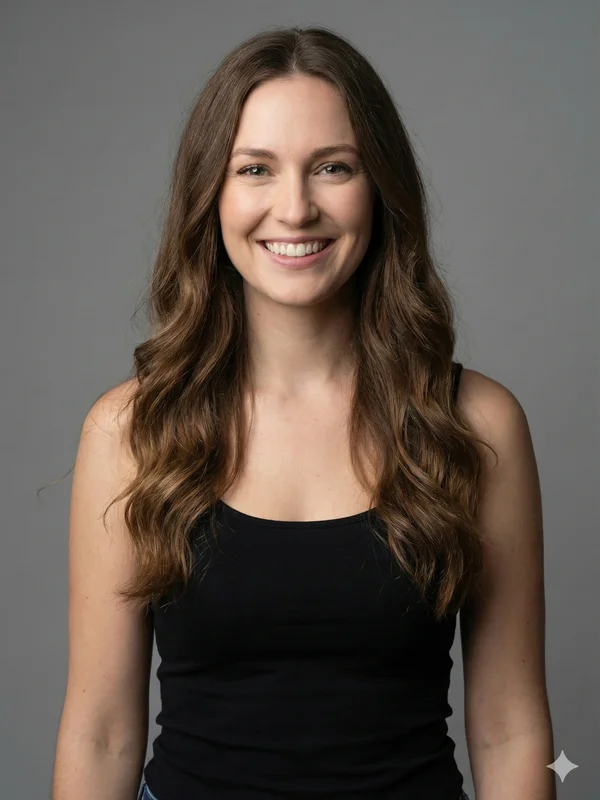
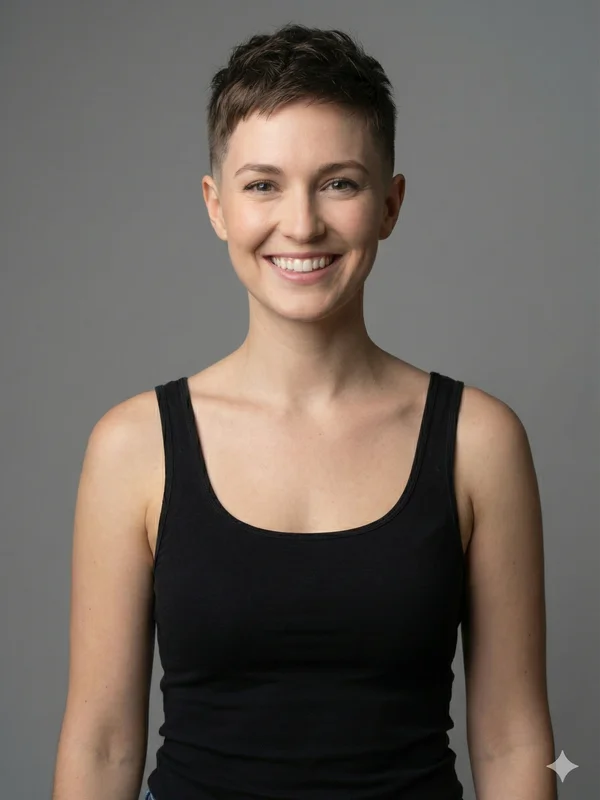
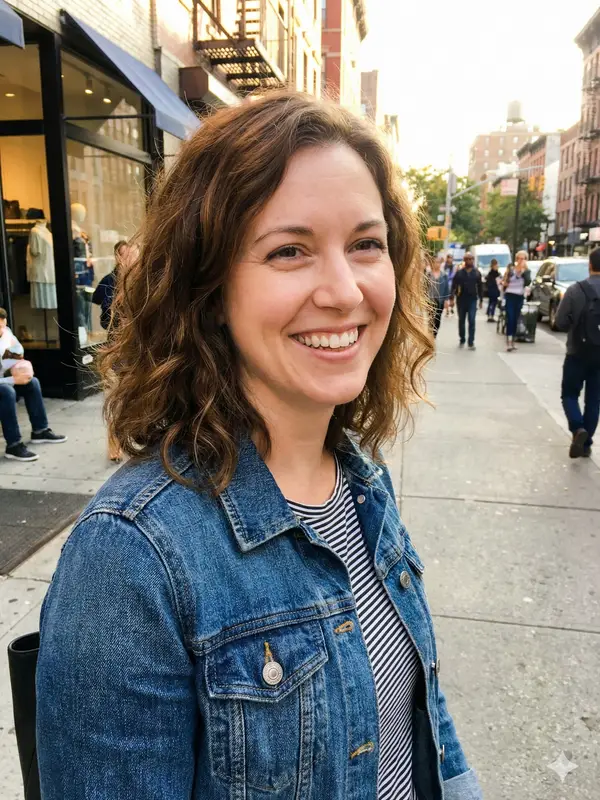
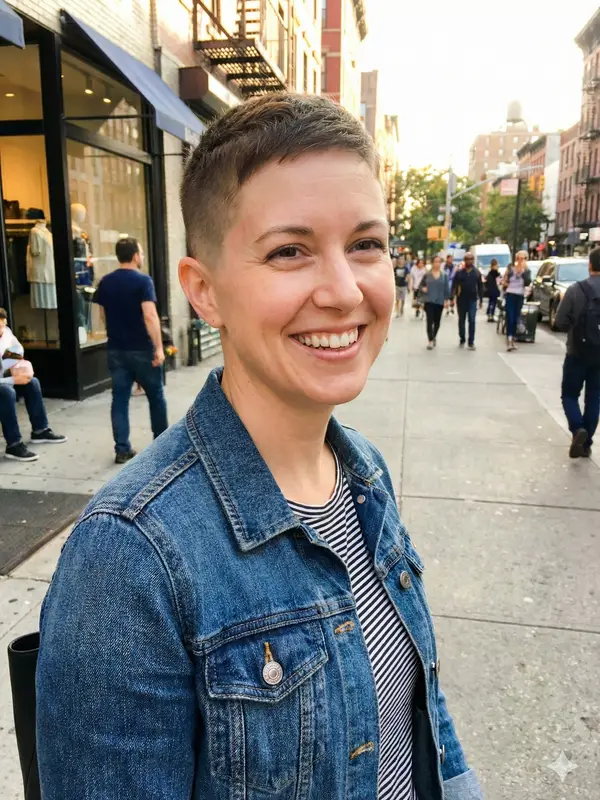
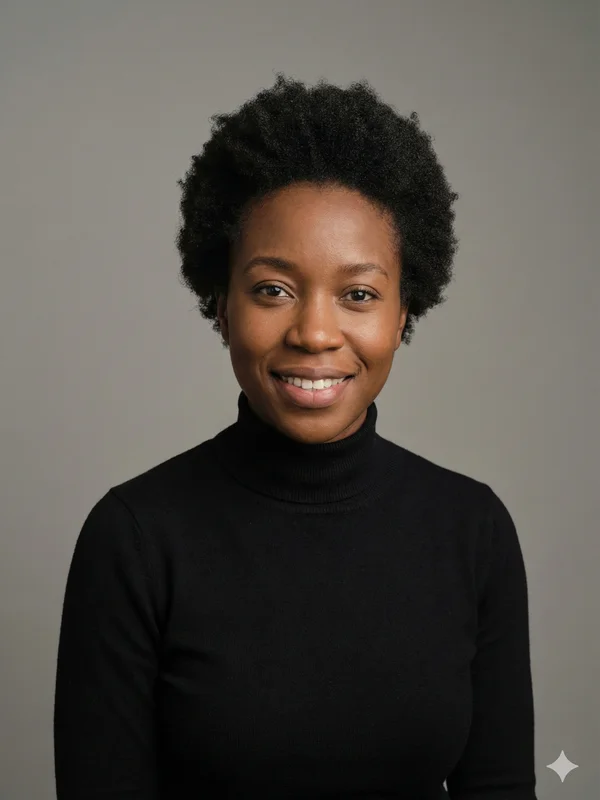
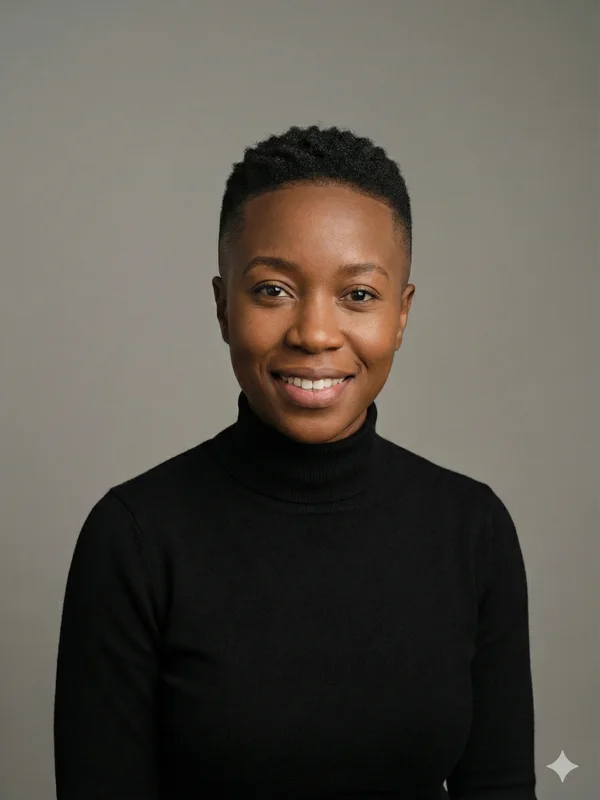
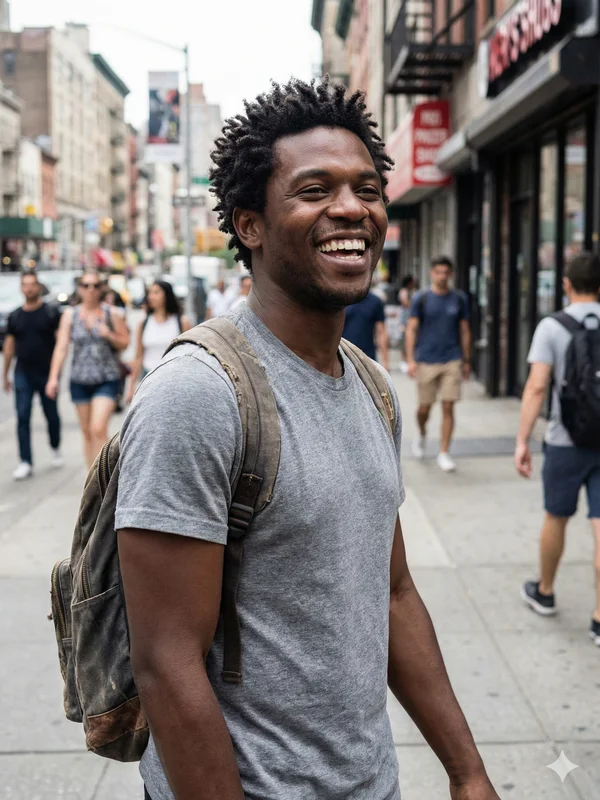
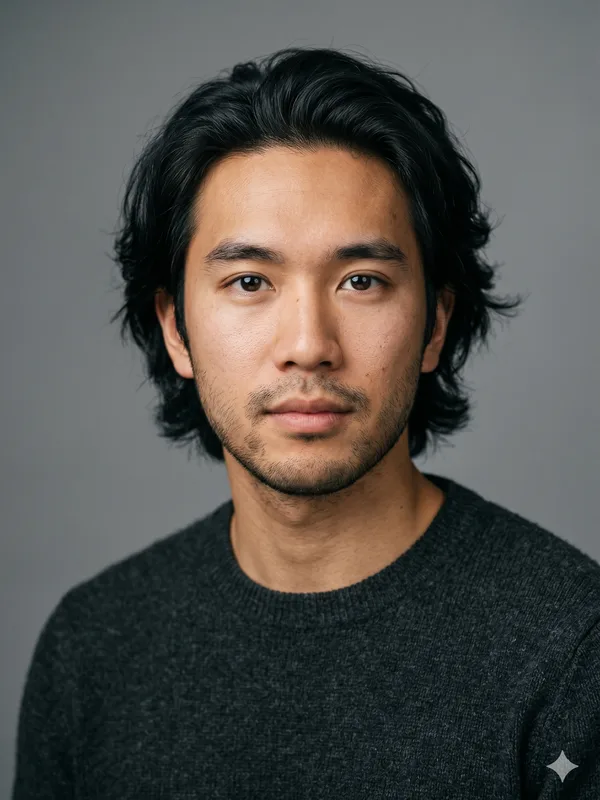
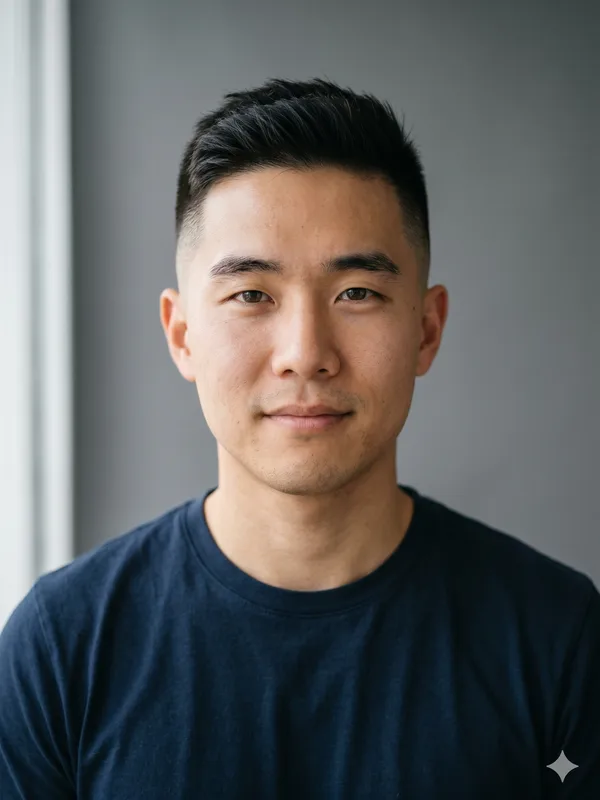
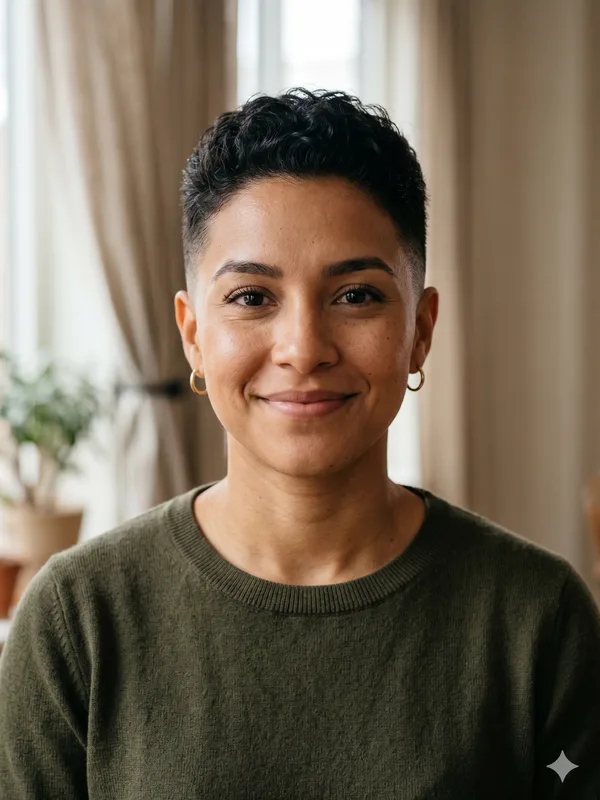
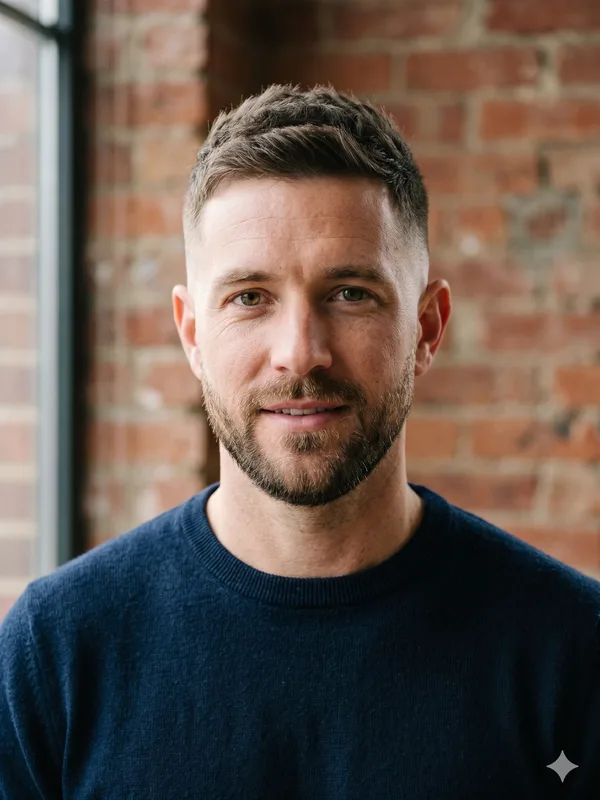
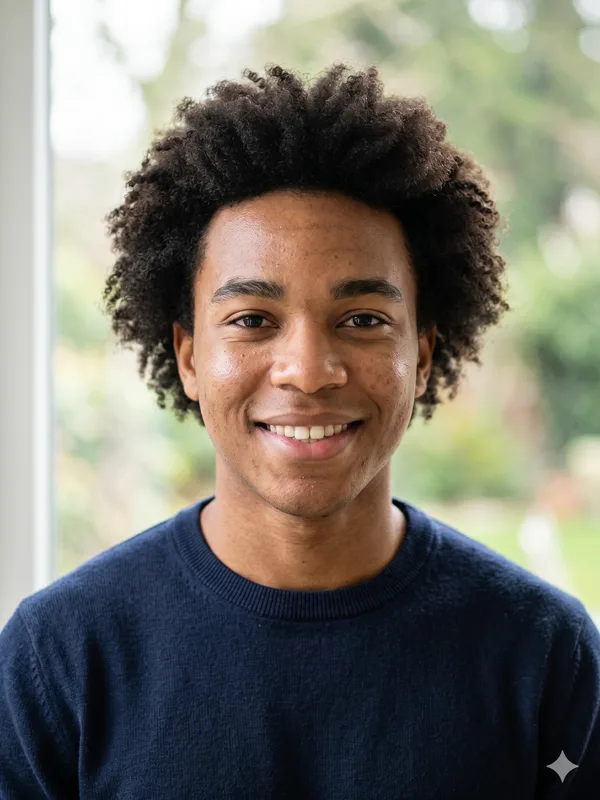
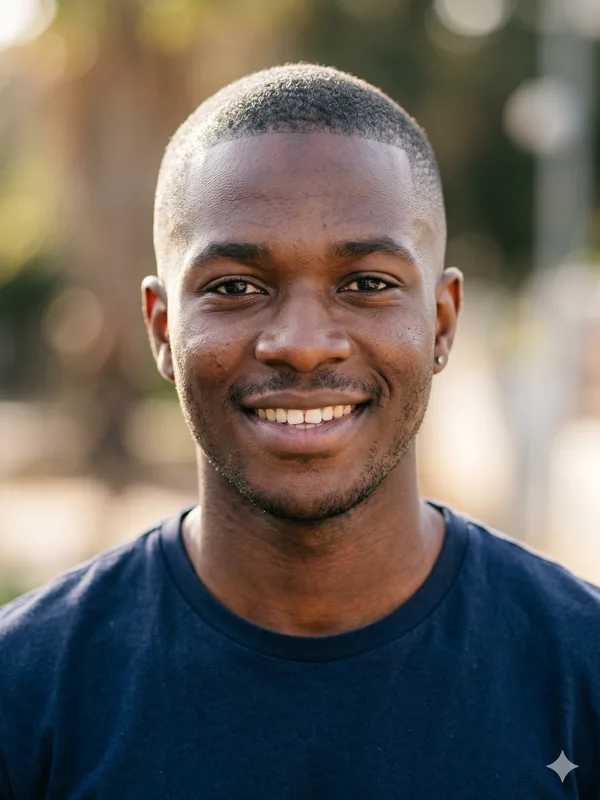
Example photo before hairstyle preview
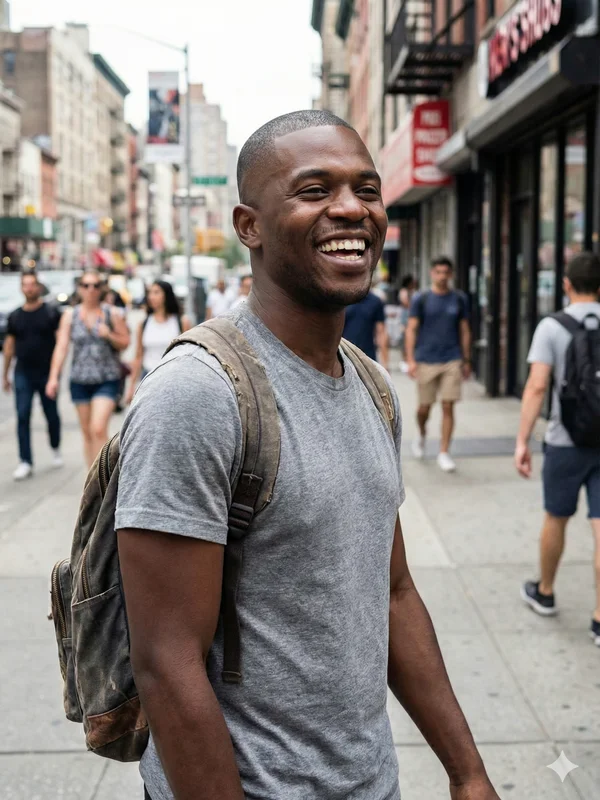
AI hairstyle preview
BEFOREAI PREVIEW

AI-GENERATED EXAMPLE

‹ ›

Choose gender

Select Style
Completely Bald
SELECTED STYLE
Completely Bald
A clean-shaven look with no visible head hair. The scalp and natural head outline become the focus.

Upload a portrait. BaldFade sends it to a third-party AI image-editing model with instructions to change the hair area while preserving the face, expression, lighting and background. BaldFade does not train its own image model.

The output is an AI preview. The model may change details outside the hair area or invent the scalp shape hidden by hair. It cannot guarantee how a real haircut or hair loss will look; processing time varies.

Generation time (BaldFade's own records): across 40 generations on the current model logged 2026-09-09 to 2026-09-29, the median was about 31 seconds and the middle half took 19–49 seconds (from starting generation to the finished image, excluding upload and payment; only generations with a recorded time on the nano-banana-2 model, quartiles by the exclusive method; data as of 2026-11-08).

$4.99 per image · see details

Upload a photo and choose a hairstyle. After review, pay, generate and download. $4.99 per image; photos that do not pass input review are not charged. The full refund rules are in the FAQ and the terms at the bottom of this page.

View pricing

Buzz, shaved and bald: compare the visual targets

Buzz, shaved and bald: compare the visual targets
LookWhat remains visibleHow to explore it here
Buzz cutShort hair texture and a visible hairlineChoose Buzz Cut Fade for short hair on top with faded sides. It is not a uniform all-over buzz.
Clean-shaved headScalp rather than a layer of hairThe default Completely Bald prompt asks for no stubble or hair shadow.
Bald or baldingA word that can mean total absence of hair or partial lossThis default style removes all head hair; it does not select a receding-hairline or crown-thinning stage.

Use your existing beard and eyebrows as reference points

Removing head hair changes the frame around the face. Compare how the existing beard outline meets the jaw and how the eyebrows sit below the newly visible scalp. These are visual choices, not rules about who should shave.

The bald style asks the model to preserve facial features. It is not a beard or eyebrow styling control. If the output changes your beard edge, brow shape or skin tone, treat that as an editing artifact rather than the intended haircut.

Turn the preview into a clear barber conversation

  1. Choose the target: visible short hair or a smooth scalp. Do not use “bald fade” to mean removing every hair; the fade styles retain hair above the shaved sides.
  2. Compare the AI image against the original and point out any invented head contour or missing facial details.
  3. Show the image as an illustration of the silhouette you prefer. It does not specify the exact finish, guard length or how the real scalp will look.

How this differs from the bald-filter page

Use this page when the decision is about a shaved style. For file requirements and troubleshooting a hat, obstruction or side-profile photo, use the bald-filter instructions. Both pages use the same generation flow and default style.

AI bald preview FAQ

Will this show razor stubble?
The default bald prompt explicitly asks for no stubble or hair shadow. A real shave can look different; this page does not offer a stubble-length control.
Can I change the beard at the same time?
There is no separate beard or eyebrow control in this editor. The selected hairstyle prompt aims to preserve the original facial features.
What happens if generation fails?
Photos that fail review are not charged. A failed paid generation is retried once, then a refund request is submitted automatically to the original payment method; a failed credit image returns the credit automatically. Full rules are in the terms at the bottom of this page.

Single image $4.99, no account needed. Buy 3 credits for $9.99, 5 for $14.99, or 10 for $24.99. Credit users can create several styles at once. Tax may be added at checkout depending on your country. 1 credit = 1 image on any photo. Credits are valid 365 days from purchase; credits that expire soonest are used first. Prices as of 2026-11-08.

Generated images are licensed for personal use only.

Single-image payments: Photos that do not pass input review are not charged. After payment, failed generation is automatically retried once. If generation still fails, a refund request is submitted automatically and we process it within 5 business days; arrival time depends on your payment method. Refunds are returned to the original payment method. Output that does not pass review is not delivered; a refund request is submitted automatically and follows the same review and refund process. Credit purchases: Failed generation: the credit is returned automatically unless the original pack was refunded or revoked; check the result page for the actual return. A full refund is available within 14 days of purchase only if none of the pack's credits have been used. Credits returned after a failed image do not count as used. Once any credit from the pack has been used, its remaining credits are not refunded. Email support@baldfade.net for refunds.

For payment or refund questions, contact support@baldfade.net.

Photos and results are available for 30 days from when your photo is approved. Viewing and downloads stop at expiry; daily scheduled cleanup removes the files. Download your image and save your private page link.

Terms of ServicePrivacy Policy